
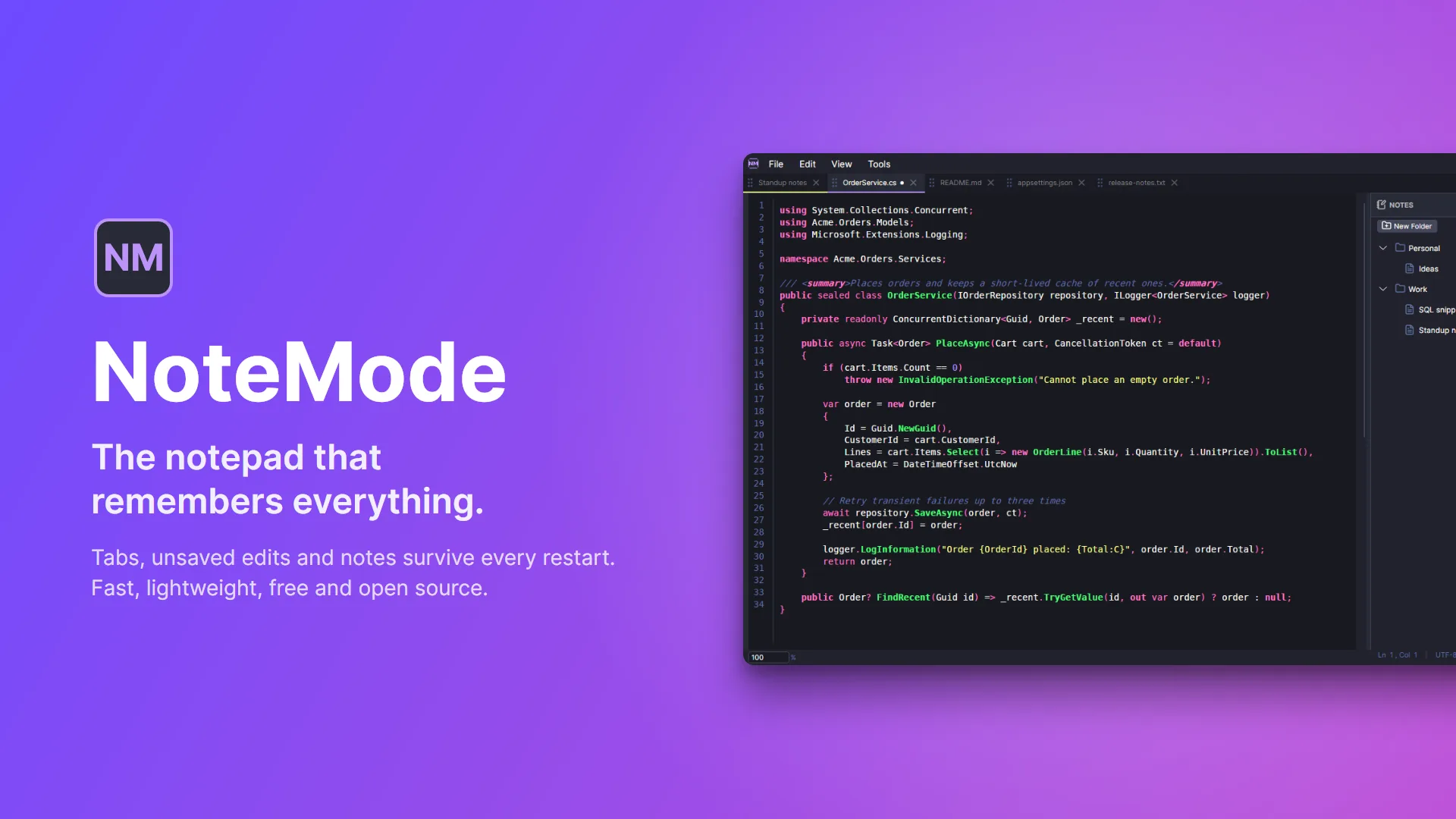

Notepads and text editors have been around forever, and I never really thought about creating one. The original Visual Studio even had a template that was basically a notepad program. I use VS Code and Visual Studio for coding, but I’ve always kept a supplemental editor around for taking quick notes or viewing files without any extra overhead.
I’ve tried Notepad, Sublime Text, but Notepad++ has always been my go-to. The feature I love most is that it keeps files open even after you close it—your session is right there when you come back.
After the recent security incident with Notepad++, I decided to build my own alternative. With today’s tools, it’s relatively straightforward, and I like knowing the source code is visible and customizable to exactly how I want it.
With that said, I want to introduce NoteMode.
What is NoteMode?
NoteMode is a fast, lightweight text editor built for developers who want simplicity without sacrificing essential features. Written in C# with Avalonia UI and compiled ahead of time to a single native executable, it starts instantly and needs no .NET runtime. NoteMode remembers your session between restarts, caches your edits as you type, and stays out of your way while you work.
What’s new in 0.3
People have started using NoteMode, so version 0.3 was a hardening pass. The theme of the release is simple: NoteMode should never lose anything you typed.
- Safer saves. A file is only replaced once the new version is completely written, so a crash or a full disk can’t leave you with a half-written file. If a save fails (read-only file, locked by another program), NoteMode tells you and keeps your edits open instead of quietly dropping them.
- Your encoding is kept. Files are saved the way they were opened: UTF-8 with or without a BOM, UTF-16, or legacy ANSI. Accented characters in old files no longer get mangled on save, and the status bar shows the encoding.
- Restored tabs are protected. Tabs you haven’t clicked on since a restart still count as unsaved if they hold cached edits, so closing them, “Close Unchanged” or a file changing on disk won’t throw those edits away.
- Crash-proof session. Pending edits are flushed to disk on exit and even on an unexpected error.
- A proper installer. A new Windows installer replaces the old MSI (it removes the MSI version for you), with Start menu, “Open with” and optional Explorer context-menu integration. Releases are now built, installed, upgraded and uninstalled automatically by CI before they’re published.
- UI cleanup. Cut/Copy/Paste/Select All in the Edit menu, “Copy Path” and “Reveal in File Explorer” on tabs, a version and GitHub link in Settings, tooltips on icon buttons, and a lot of small visual fixes across both themes.
Key Features
Lightweight & Fast
- Native AOT build: a single executable with instant startup and no runtime to install
- Runs on Windows, macOS and Linux (installer for Windows; build from source elsewhere)
- Single window: opening a file from Explorer while NoteMode is running adds a tab instead of a second window
Session Persistence
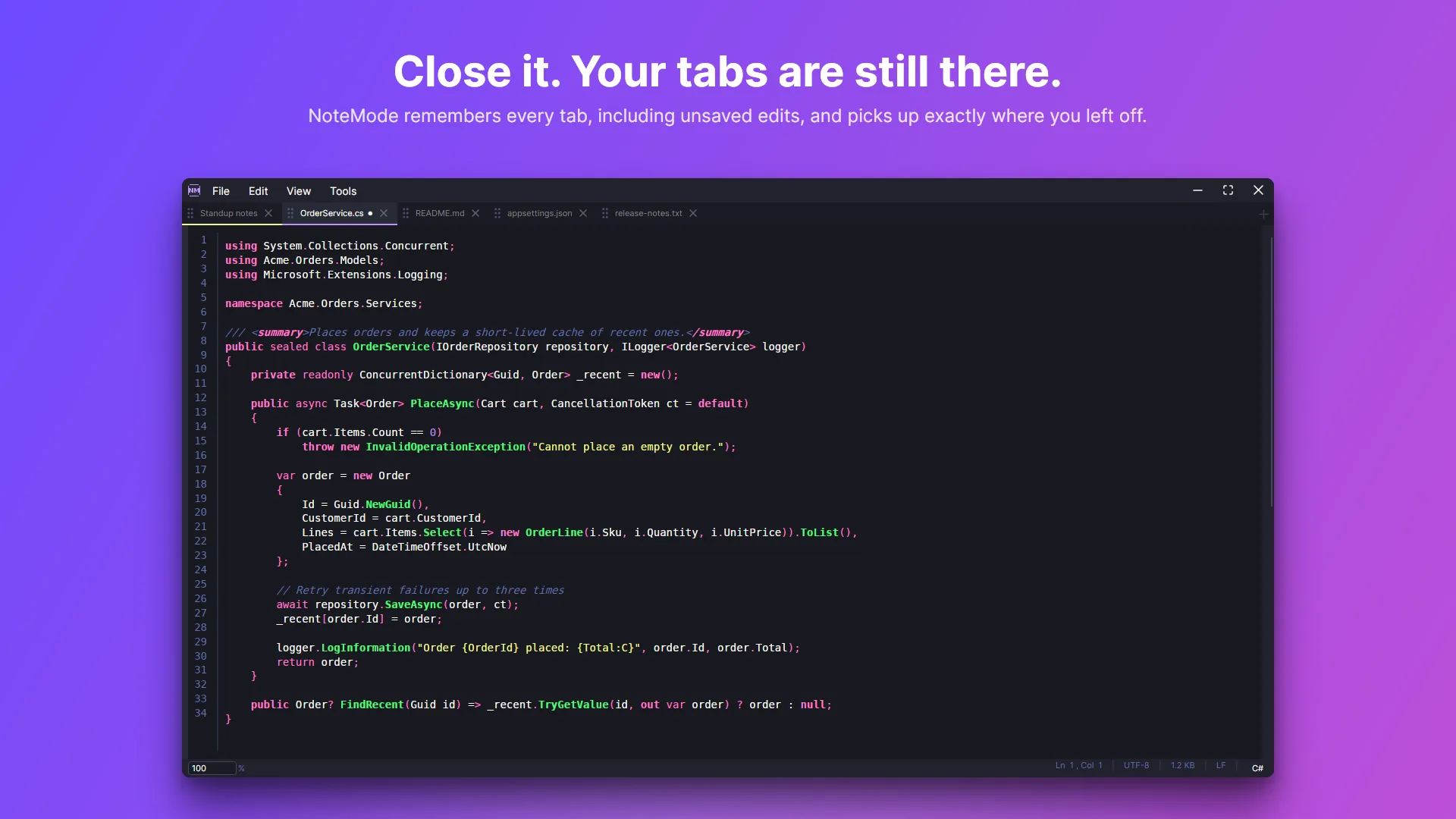
- Automatically restores your tabs, window size, theme, panels and font size on restart
- Unsaved changes are cached to disk 500 ms after you stop typing and recovered when you come back
- Opening a file by double-clicking it shows just that file; pin it to add it to your workspace
Syntax Highlighting
- Support for 30+ languages including C#, JavaScript, TypeScript, Python, HTML, CSS, SQL, YAML, and more
- Manual language override that persists between sessions
- Clickable language selector in the status bar
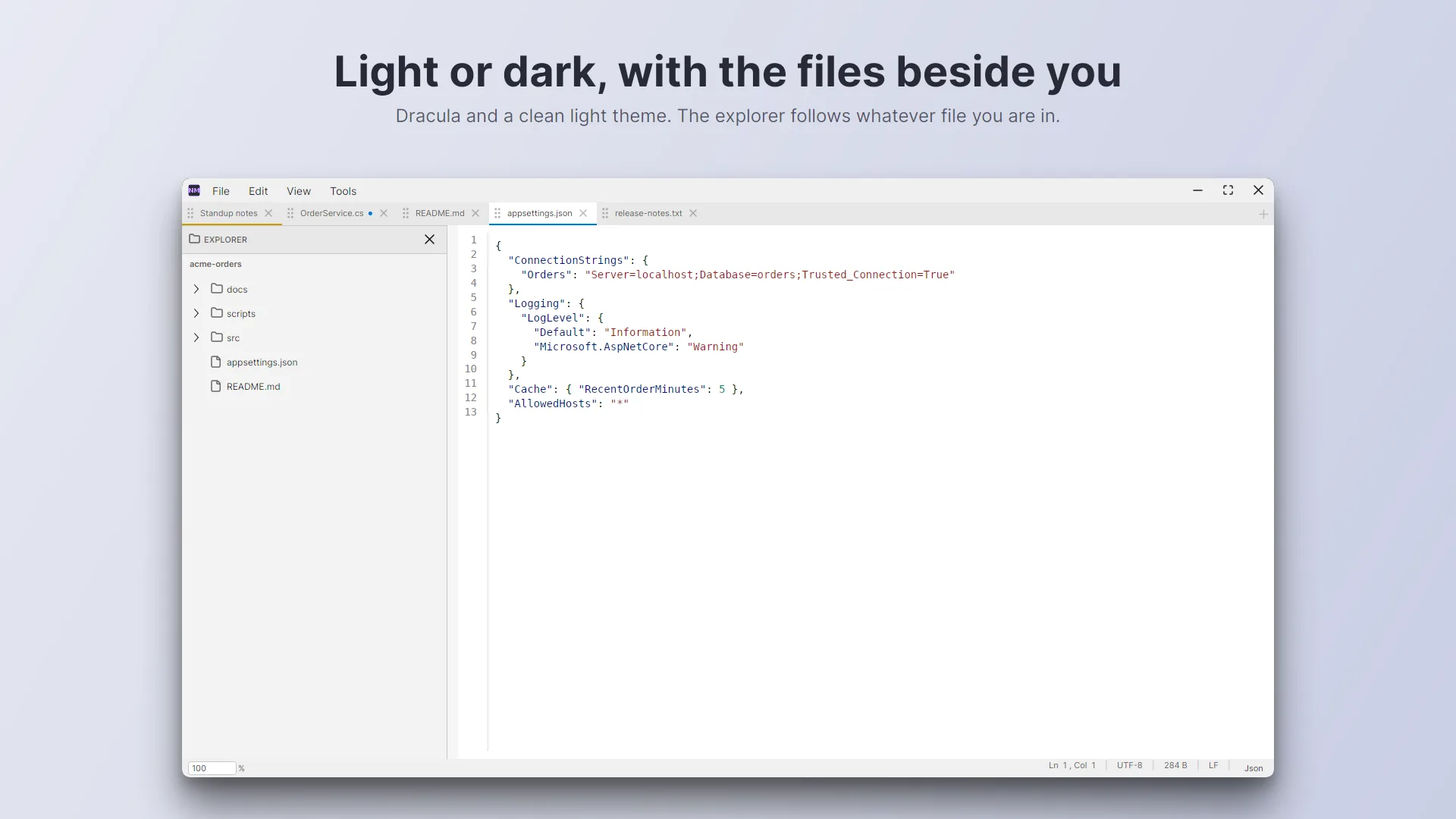
Dual Theme Support
- Dracula dark theme for low-light coding
- Clean light theme inspired by VS Code
- Live theme switching without restarting
Tab Management
- Drag-and-drop tab reordering with visual drag ghost
- Visual dirty indicator for unsaved changes
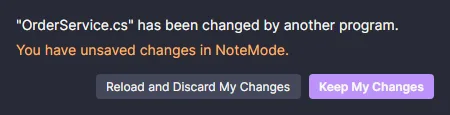
- External file change detection: clean files reload on their own, and if you have edits NoteMode asks first
- Smart tab selection when closing (selects next or previous tab)
- Tab context menu: Close Others, Close to the Right, Close to the Left, Close Unchanged, Copy Path, Reveal in File Explorer
- Rename tabs from the context menu
Notes Panel
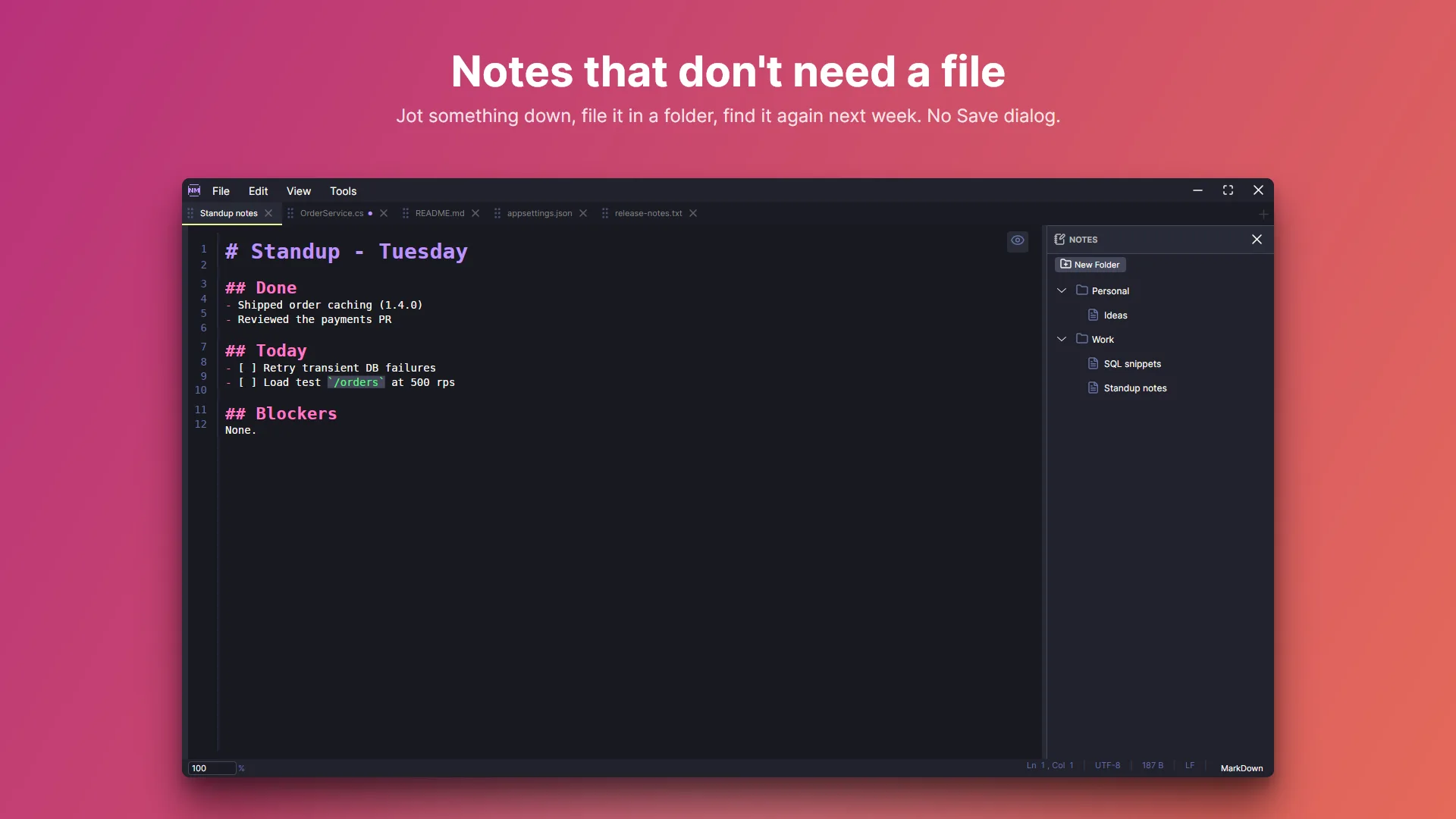
- Built-in notes for quick note-taking that live outside your project files: no file, no Save dialog
- Organize notes into a hierarchical folder structure
- Drag-and-drop notes between folders
- Convert any open file into a persistent note with “Save As Note”
- Notes persist across sessions in ~/.notemode/
Search & Replace
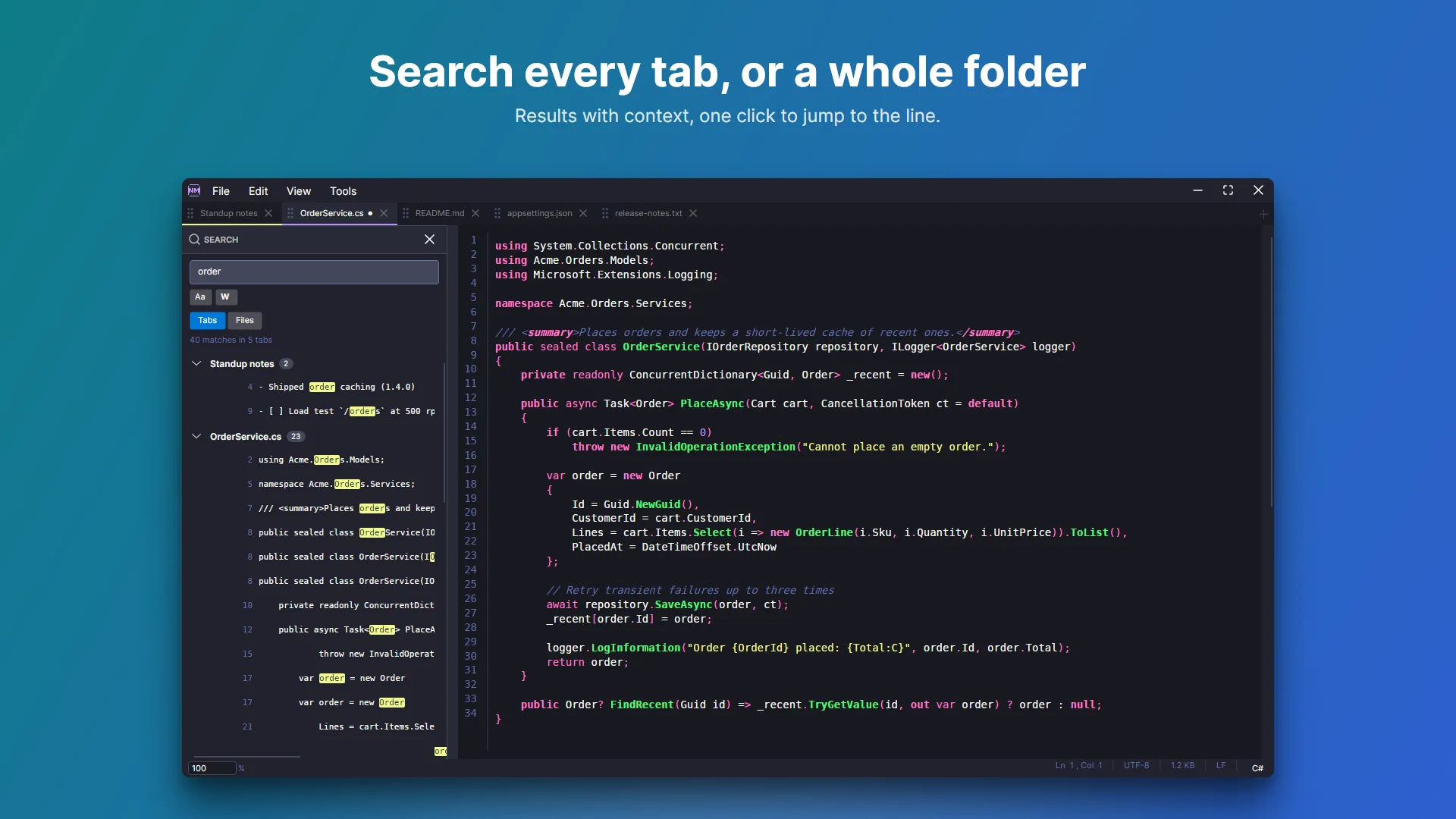
- Find and replace within the current file (Ctrl+F / Ctrl+H), with case-sensitive matching
- Search panel (Ctrl+Shift+F) with two modes: search across open tabs or search files on disk
- File search scans directories with smart filtering (skips .git, node_modules, bin, obj, etc.)
- Case sensitivity and whole word matching options
- Click results to jump directly to the matching line
Markdown Support
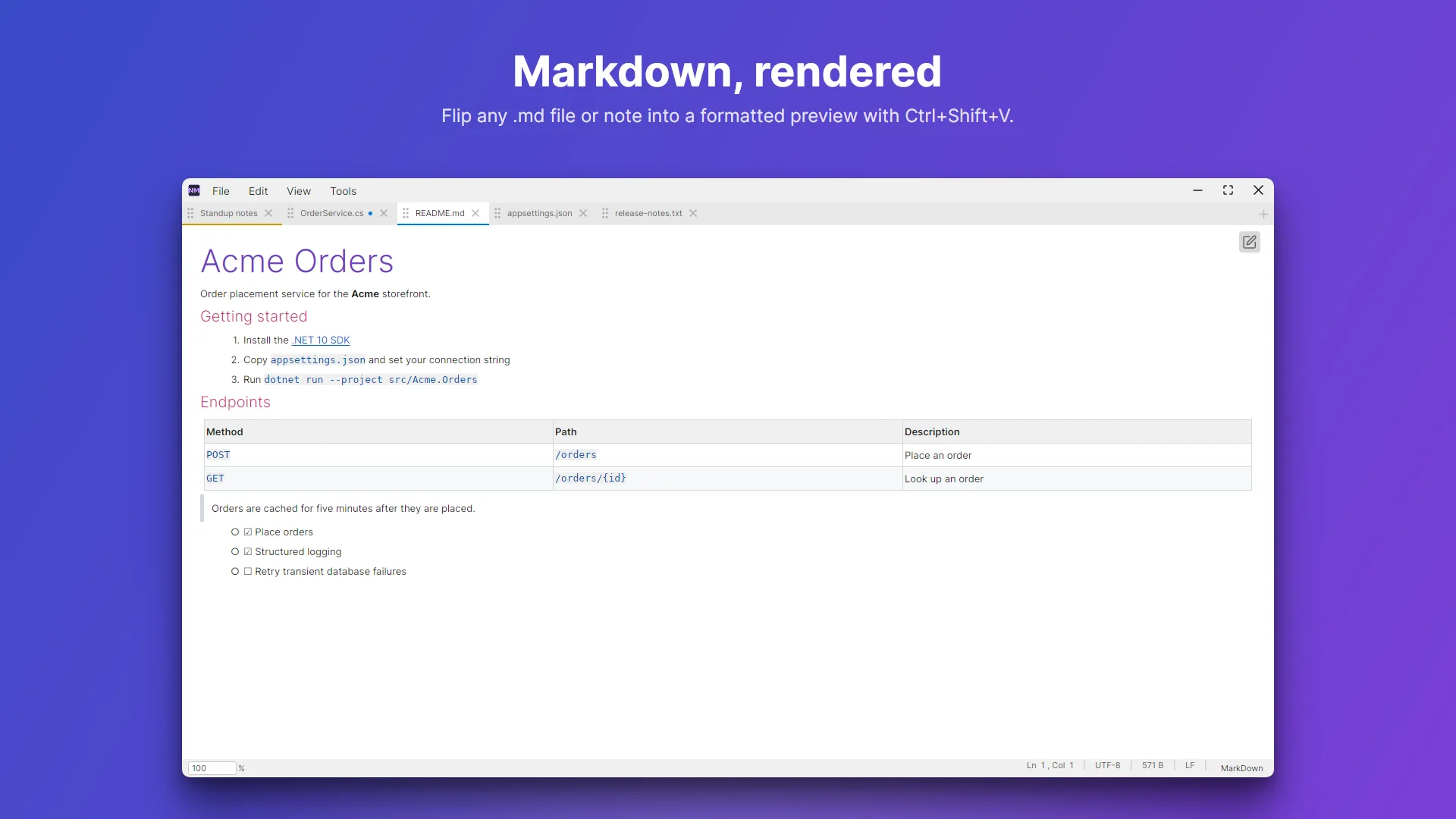
- Live markdown styling in the editor: headers, bold, italic, strikethrough, code spans, blockquotes, lists, and links
- Rendered preview for any .md file or note (Ctrl+Shift+V), with tables, task lists and code blocks
- Theme-aware formatting that adapts to dark and light themes
Keyboard-Driven Workflow
- Standard shortcuts: Ctrl+N/O/S/W, Ctrl+Z/Y, Ctrl+X/C/V/A, Ctrl+F/H
- Ctrl+Scroll to adjust font size (6-72pt)
- Ctrl+Shift+F to toggle search panel
- Ctrl+Shift+N to toggle notes panel
- Ctrl+E to toggle the explorer panel
- Ctrl+Shift+V to toggle Markdown preview
- Ctrl+Shift+A to save all open tabs
Status Bar
- Line and column indicator
- File encoding (kept when saving) and line ending display (CRLF/LF/CR)
- File size and zoom percentage control
- Clickable syntax language selector
Get NoteMode
NoteMode is free and open source (MIT). Download the latest version from GitHub:
- NoteMode-Setup.exe (recommended): installs NoteMode for Windows 10/11 and upgrades an older MSI install in place
- Portable zip: unzip anywhere and run NoteMode.exe
https://github.com/timothydodd/notemode/releases/latest
NoteMode makes no network connections and collects no data; everything it stores stays in ~/.notemode on your machine. The source code, build instructions and issue tracker are at github.com/timothydodd/notemode.