
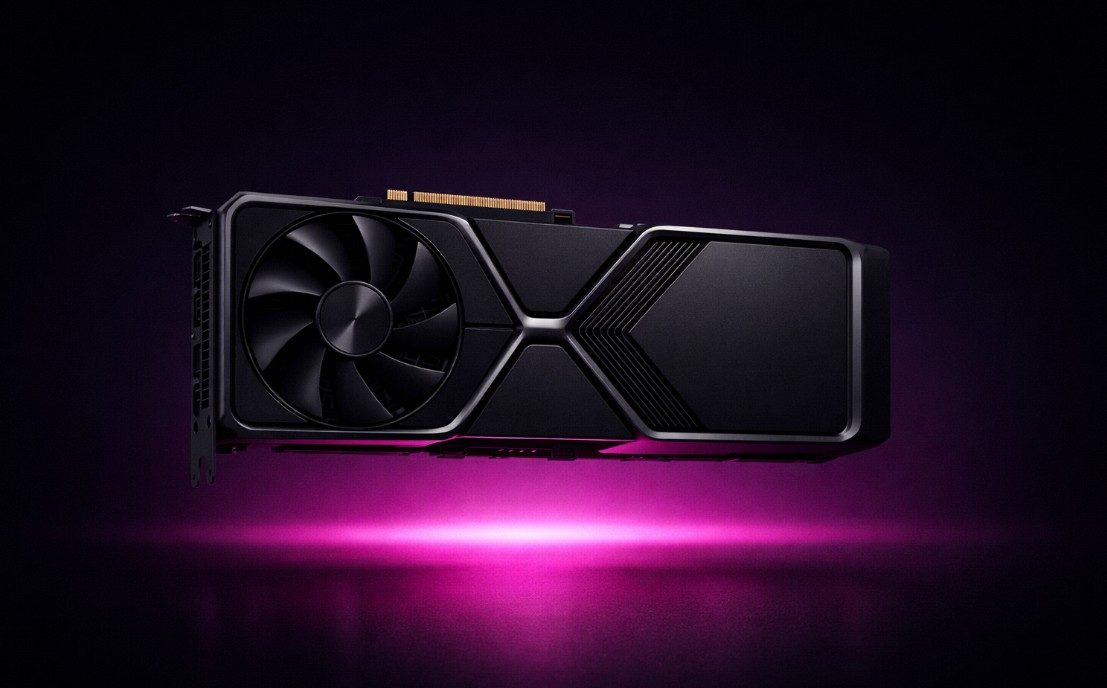

Back in January 2025 I wrote Budget-Friendly Local AI Hardware for Running Ollama. A lot of that post has not aged well. The RTX 50 series shipped, AMD finally made ROCm behave on Windows, NVIDIA put a 128GB unified-memory box on shelves for under $4K, and a global DRAM shortage pushed nearly every GPU 40–80% over MSRP. Oh, and NVIDIA reportedly isn’t releasing any new gaming GPUs at all in 2026. Fun times.
My daily driver is still the MSI RTX 2080 SUPER I mentioned last year, and the M4 Mac Mini I picked up shortly after has quietly turned into the most-used AI box in the house. But if I were starting from zero in April 2026, the shopping list looks very different.
What Actually Changed Since Last Year
Four things, in rough order of importance:
- 8GB is over. Any modern Ollama workload past a 7B toy model wants 12GB minimum, and 16GB is the new “don’t regret it in six months” floor. The old guidance of “8GB is fine” just isn’t true anymore.
- Unified memory went mainstream. Framework Desktop, NVIDIA DGX Spark, Strix Halo mini PCs, Mac Studio with 512GB — these are now the correct answer for 70B-and-up models at home. They didn’t really exist as consumer products when I wrote the original post.
- AMD is finally usable on Windows. The January 2026 Adrenalin driver ships Ollama, LM Studio and ComfyUI as a one-click optional install for RX 7700+ and Ryzen AI 300/400/Max systems. That alone re-opens AMD as a real recommendation instead of a “if you like tinkering on Linux” footnote.
- The DRAM crunch. AI demand is eating ~20% of global DRAM. Micron says the shortage lasts into at least Q4 2027. Every number in this post should be read as “April 2026 and probably higher next month.”
With that out of the way — here’s what’s worth buying.
Why VRAM Still Rules Everything
Nothing here has changed conceptually. The model has to fit in memory. What’s shifted is the math:
- 8GB VRAM — 7–9B models only, with shrinking context. Don’t buy for LLMs in 2026.
- 12GB VRAM — 7B comfortably, 13B at Q4, a 30B model if you squeeze. Fine as an entry point.
- 16GB VRAM — the new sweet spot. 14B comfortably, 20B at Q4, 30B if you’re willing to give up context.
- 24GB VRAM — runs most 30B-class models without sweat and 70B at aggressive quantization. This is where “serious local AI” starts.
- 32GB+ or unified memory 64GB+ — 70B dense, MoE models, long context. DGX Spark / Mac Studio / Strix Halo territory.
CUDA vs. ROCm vs. Metal vs. Vulkan vs. SYCL is still a real consideration — NVIDIA’s stack is still the smoothest — but the gap is smaller in 2026 than it was a year ago.
Best Budget NVIDIA GPUs (April 2026)
RTX 5060 Ti 16GB — Best New-Card LLM Value
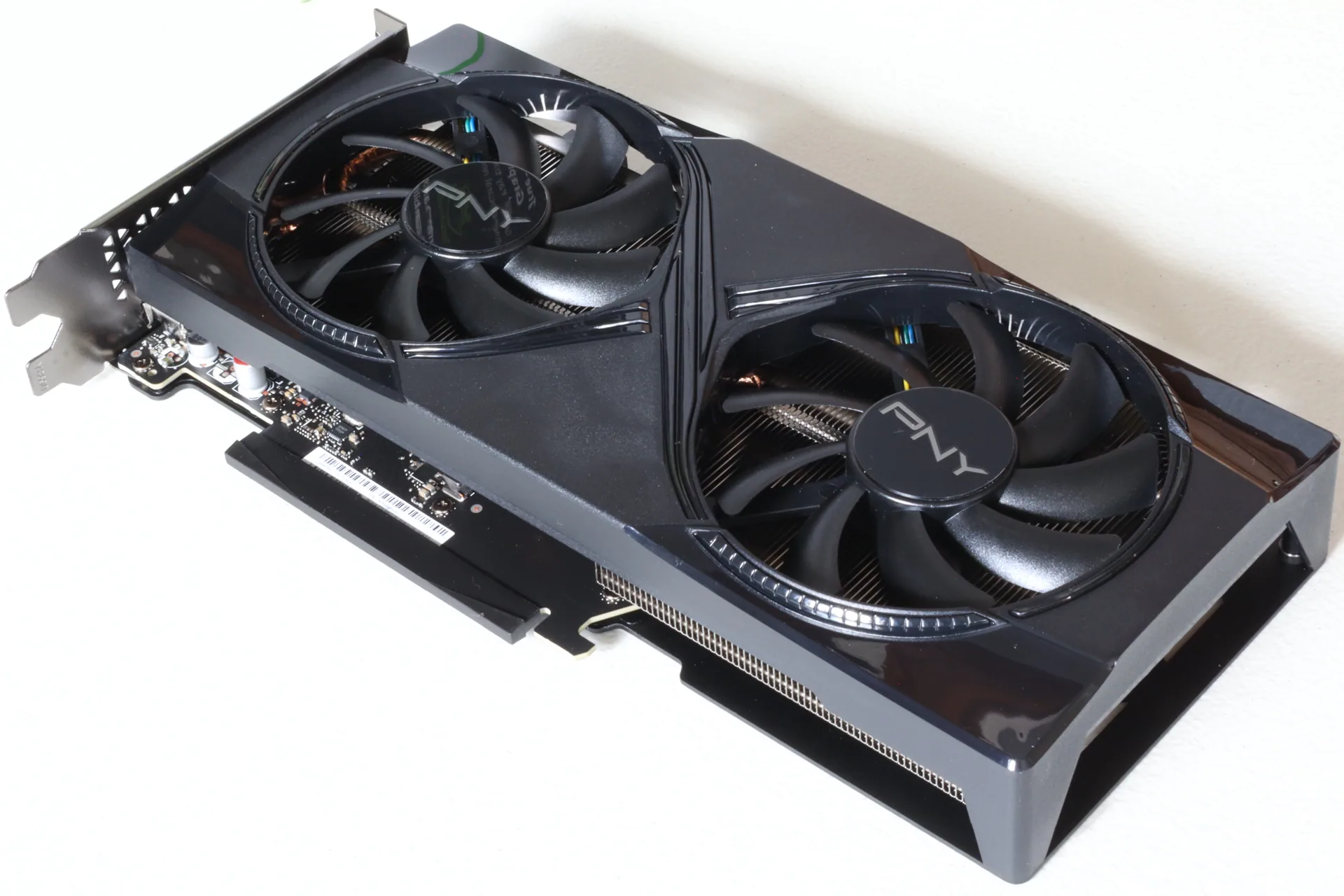 If you want a brand-new GPU with a warranty and 16GB of VRAM, this is the one.
Pros
- 16GB GDDR7 — the magic number for 2026.
- Runs 14B models at 33–40 tokens/sec, 8B at 70+.
- Actually available near MSRP ($479–$549 street; $429 MSRP).
Cons
- 128-bit bus is narrow; prompt processing on long context suffers vs. a 3090.
- Avoid the 8GB variant — same card, crippled for AI.
Typical price: $479–$549.
Amazon Links:
- MSI RTX 5060 Ti 16G ($489)
RTX 5090 32GB — The Throughput Flagship
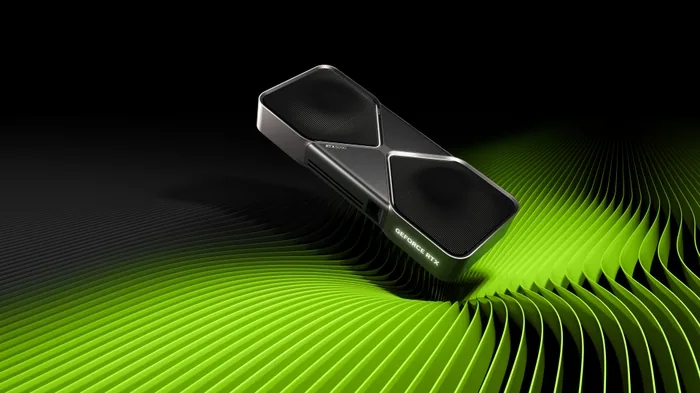 The halo product. 32GB of GDDR7 on a 512-bit bus means it’ll chew through 30B dense at FP16 and 70B at Q4/FP4 faster than anything else you can put in a consumer PC.
Pros
- 32GB is enough for serious workloads without going multi-GPU.
- Fastest per-token speed of any single consumer card in 2026.
Cons
- MSRP is $1,999; AIB reality is $2,900–$3,900; premium/liquid-cooled SKUs crack $5K.
- Basically unobtainable at MSRP. Founders Editions are a lottery.
Typical price: $2,900–$3,900. Only buy at this price if you know exactly why you want it.
Amazon Links:
- ASUS ROG RTX 5090 32GB ($3,998)
RTX 5070 / 5070 Ti — Skip or Shop Carefully
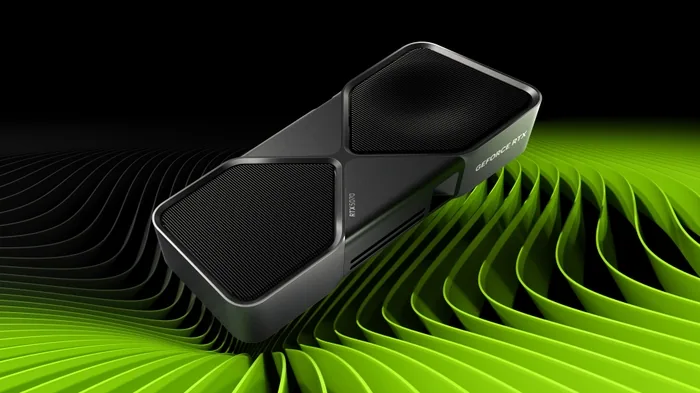 The 5070 Ti (16GB, ~$1,000 street) is a fine GPU that NVIDIA quietly put on the endangered list because of the memory shortage. The 5070 (12GB, ~$635) gives you the same VRAM as a used RTX 3060 12GB for 3x the money. Neither is a smart LLM buy in April 2026.
The rumored “Super” refresh that would have fixed this has been put on hold.
Amazon Links:
RTX 3090 24GB (Used) — Still the $/GB-VRAM King
 If you only read one recommendation in this post, read this one.
Pros
- 24GB VRAM for under $1,000. Nothing else comes close.
- Full CUDA ecosystem, mature tooling, every llama.cpp / vLLM / Ollama optimization targets it.
- Runs 30B comfortably, 70B at Q4.
Cons
- Used market only. Watch for ex-mining cards; check thermals and bring a BIOS reader.
- Big, power-hungry (350W), loud.
Typical price: $775–$975 used. This card continues to be the answer for people who ask “what’s the best bang-for-buck for local LLMs?”
If you’d rather buy new/near-new and skip the mining-card lottery, a premium SKU like the EVGA FTW3 Ultra is still floating around — expect to pay a hefty premium over the used street price.
Amazon Links:
RTX 3060 12GB — The Comeback Kid
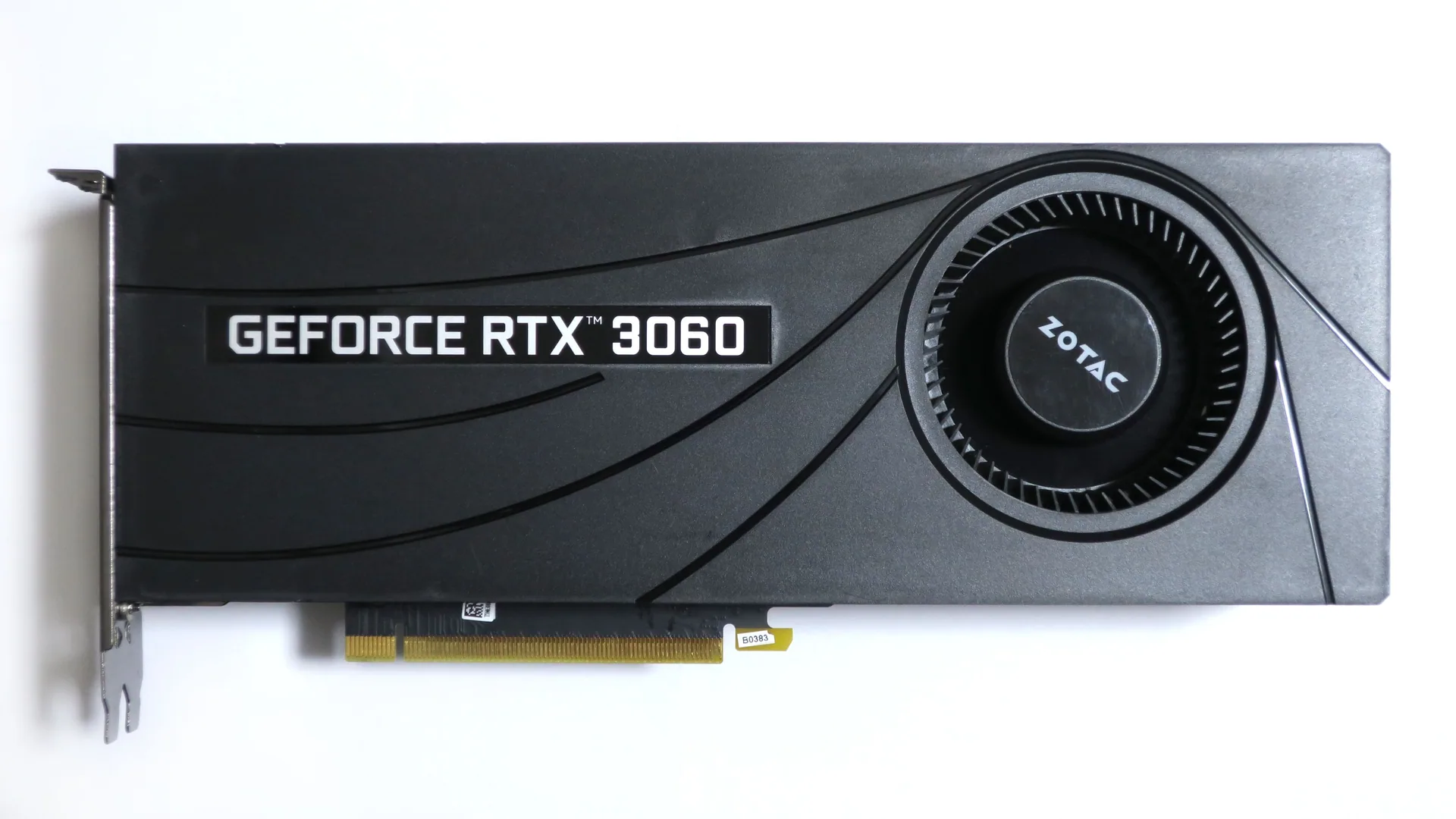 No joke: NVIDIA restarted production of the RTX 3060 12GB in Q1 2026 specifically to take pressure off GDDR7-constrained new cards and serve cheap local-AI builds. The reason I picked this card last year is exactly the reason NVIDIA re-released it.
Pros
- 12GB VRAM, ~$200–$250 used, ~$339 new.
- Low power, fits in small cases, easy to find.
Cons
- Still 192-bit bus and GDDR6 — not fast, just capable.
Typical price: $200–$250 used, ~$339 new.
RTX 4090 24GB (Used) — If Money Is Less Tight
Production ended October 2024. Used prices sit at $1,800–$2,400, AI-targeted listings cluster around $1,800–$2,000. Gets you the same 24GB as a 3090 with dramatically better prompt-processing speed and much lower idle power. If you need it quiet and fast and can absorb the cost, it’s still the best 24GB card ever made. If you’re optimizing dollars-per-VRAM, get a 3090 instead.
Typical price: $1,800–$2,400 used.
Honorable Mention: Used Tesla P40 / P100
The P40 24GB ($200–$300) and P100 16GB (~$177) are still kicking around as the “I enjoy suffering for cheap VRAM” tier. No tensor cores, weak FP16 on the P40, blower-fan mods required, slow prompt processing. But 24GB of VRAM for $250 is hard to ignore if you already run a homelab server with room for a dual-slot card and airflow for it. Not a general-audience recommendation.
Best Budget AMD GPUs (April 2026)
The big news is software, not silicon. The January 2026 Adrenalin driver ships Ollama and LM Studio as optional one-click installs on Windows for RX 7700+ and Ryzen AI Max systems. ROCm 7 is the current release with pre-built llama.cpp binaries. This is the ergonomic jump AMD users have been waiting three years for.
Windows support for older Radeon and for Ryzen AI APUs is still patchy — Vulkan (OLLAMA_VULKAN=1) is the most reliable fallback. Linux is better than Windows for anything pre-RDNA 4.
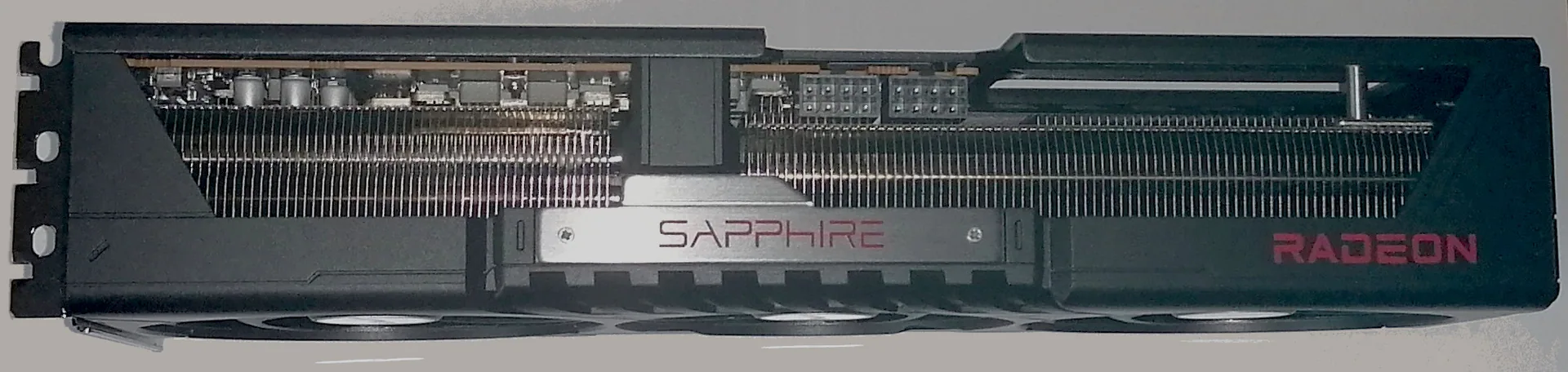
RX 9070 XT 16GB — AMD’s Best LLM Pick
Pros
- 16GB, widely available (200+ listings online at any time).
- RDNA 4 — finally a first-class ROCm citizen out of the box.
- Raw compute beats the RTX 5070 Ti in most benchmarks.
Cons
- $719 on Amazon vs. $599 MSRP; ASUS bumped prices 17.5% in the last quarter.
- Still not as polished as CUDA for the long tail of AI tooling.
Typical price: $650–$720 new.
Amazon Links:
- GIGABYTE Radeon RX 9070 XT Gaming OC 16G ($739.99)
RX 9060 XT 16GB — The Budget AMD Pick
Pros
- 16GB for $459 (the 8GB version is $349 and should be ignored for AI).
- Low power draw, fits in small cases.
Cons
- Narrow bus, so prompt processing is noticeably slower than the 9070 XT.
Typical price: $459 new (16GB variant only).
Amazon Links:
- GIGABYTE Radeon RX 9060 XT Gaming OC 16G ($459.99)
RX 7900 XT 20GB — Last-Gen 20GB on the Cheap
AMD’s previous-gen flagship is still around at new-card prices that undercut a used 3090 and give you 20GB of VRAM with a warranty. Not quite 24GB, but enough to run 30B comfortably and 70B at tight quantization. The XTX 24GB variant is $775–$800 used on eBay if you want the extra 4GB — but at that price a used 3090 beats it on ecosystem.
Pros
- 20GB VRAM new, with warranty.
- Works with the new Adrenalin one-click LM Studio/Ollama install.
Cons
- RDNA 3 isn’t a first-class ROCm target the way RDNA 4 is.
Amazon Links:
- XFX Radeon RX 7900 XT Gaming, 20GB GDDR6 ($679.99)
Intel Arc B580 12GB — Worth a Mention
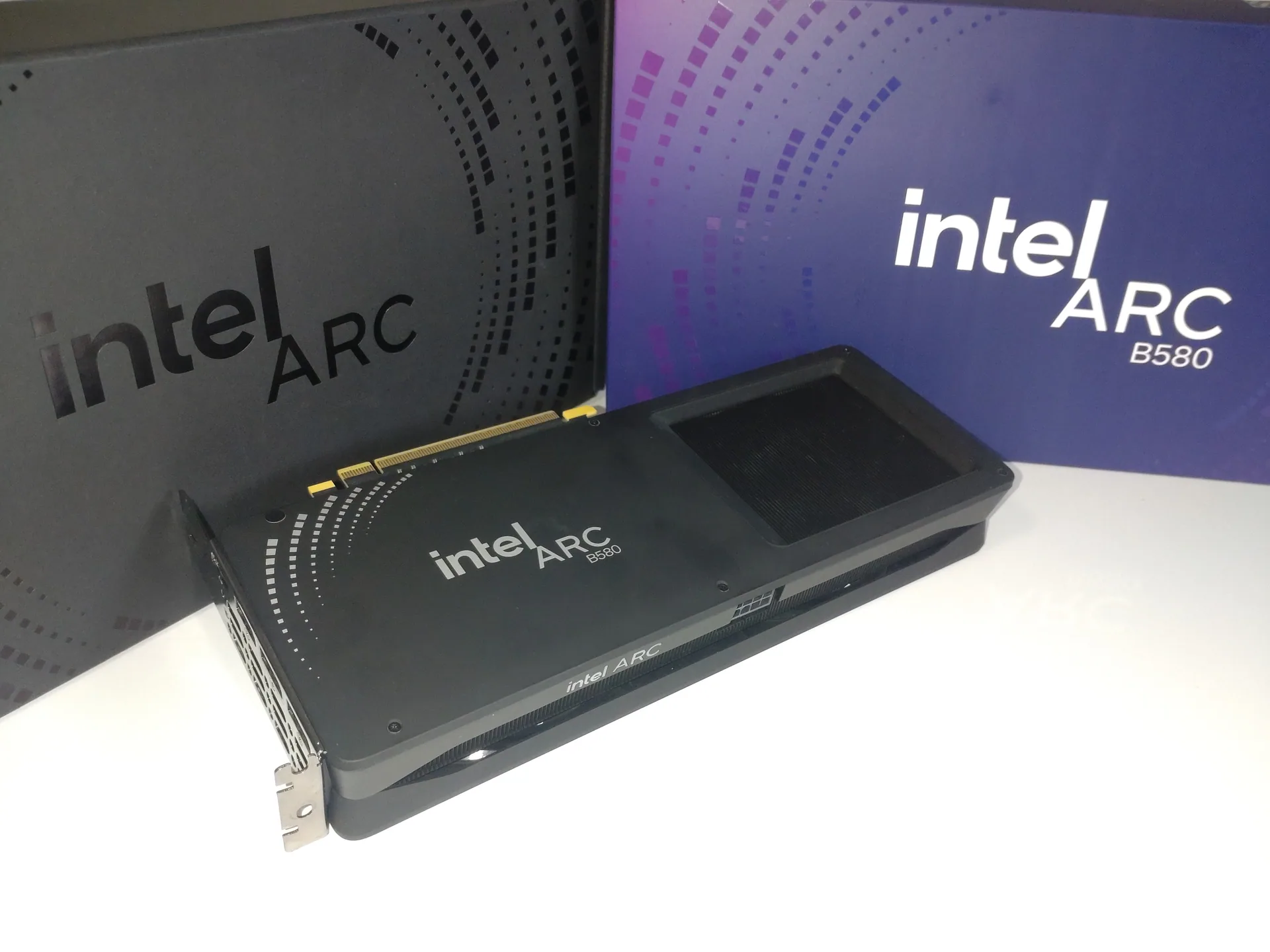 Intel’s Battlemage launch finally produced a usable LLM card. IPEX-LLM and SYCL have stabilized enough that the B580 works out of the box on Windows or Linux without any real wrangling.
Pros
- 12GB VRAM for $250–$300.
- Huge improvement in Intel’s AI software stack vs. Alchemist.
Cons
- SYCL runs at roughly 70–75% of a comparable NVIDIA card on token throughput.
- Smaller community, fewer Ollama tutorials that “just work.”
Typical price: $250–$300. Only buy it if you specifically want new-card Intel. For most people, a used RTX 3060 12GB or the re-issued new 3060 is the safer pick.
Amazon Links:
- ASRock Intel Arc B580 Challenger 12GB OC ($309.99)
Apple Silicon — Still the Quiet Winner
I’ve been running an M4 Mac Mini as a 24/7 Ollama server for over a year now. It still beats my RTX 2080 SUPER desktop on the models I run. Apple Silicon’s unified memory architecture means the same pool of fast RAM acts as VRAM — and there’s a lot of it.
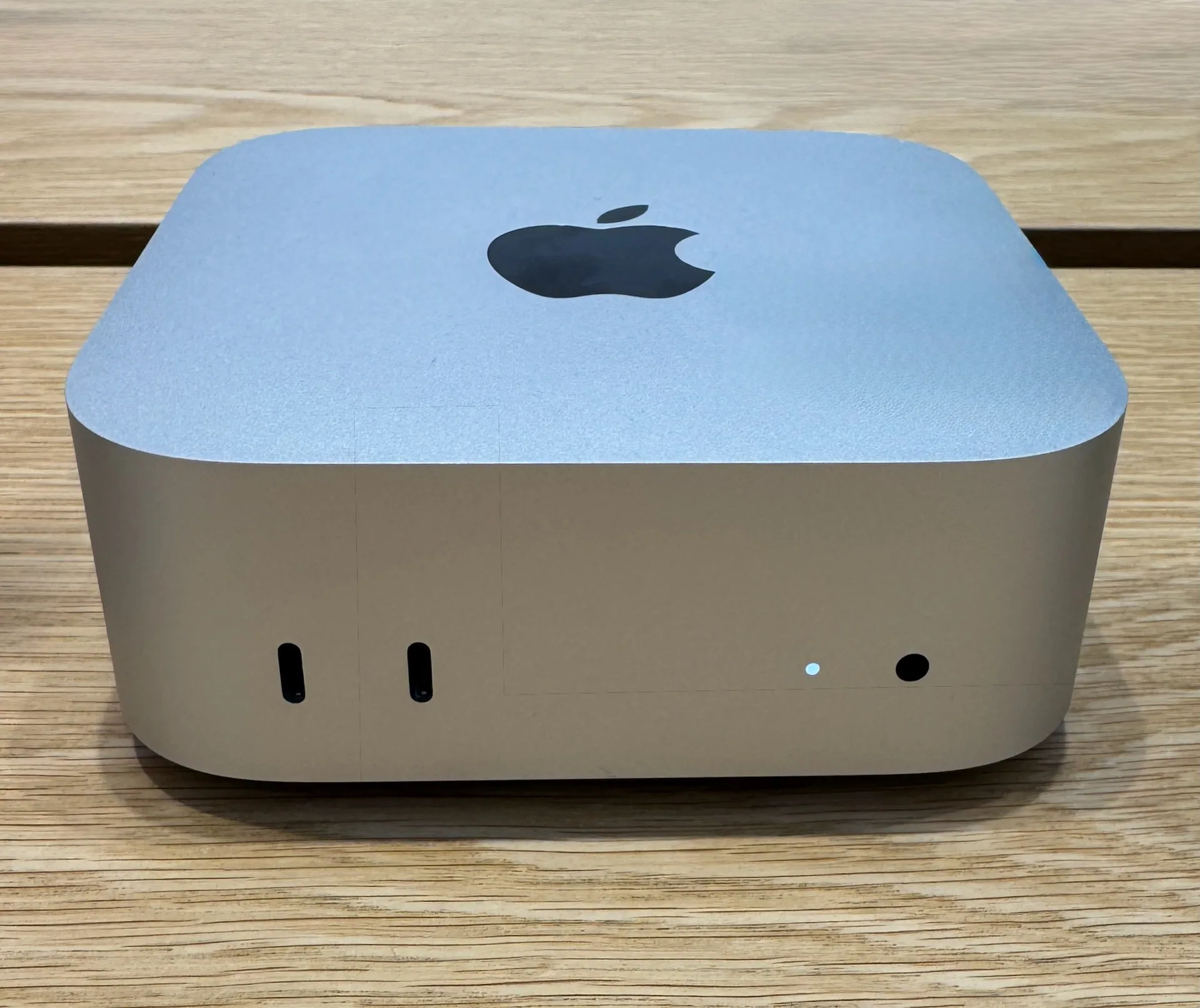
Mac Mini M4 Pro (24GB or 64GB)
Pros
- $1,399 for the 24GB/512GB Pro, ~$2,000 configured with 64GB.
- Tiny, silent, ~30W idle.
- 64GB model runs 32B at Q4 comfortably (10–14 tokens/sec).
Cons
- Apple’s RAM-tax pricing is still painful.
- Base 16GB M4 is a trap for LLMs — skip it.
Amazon Links:
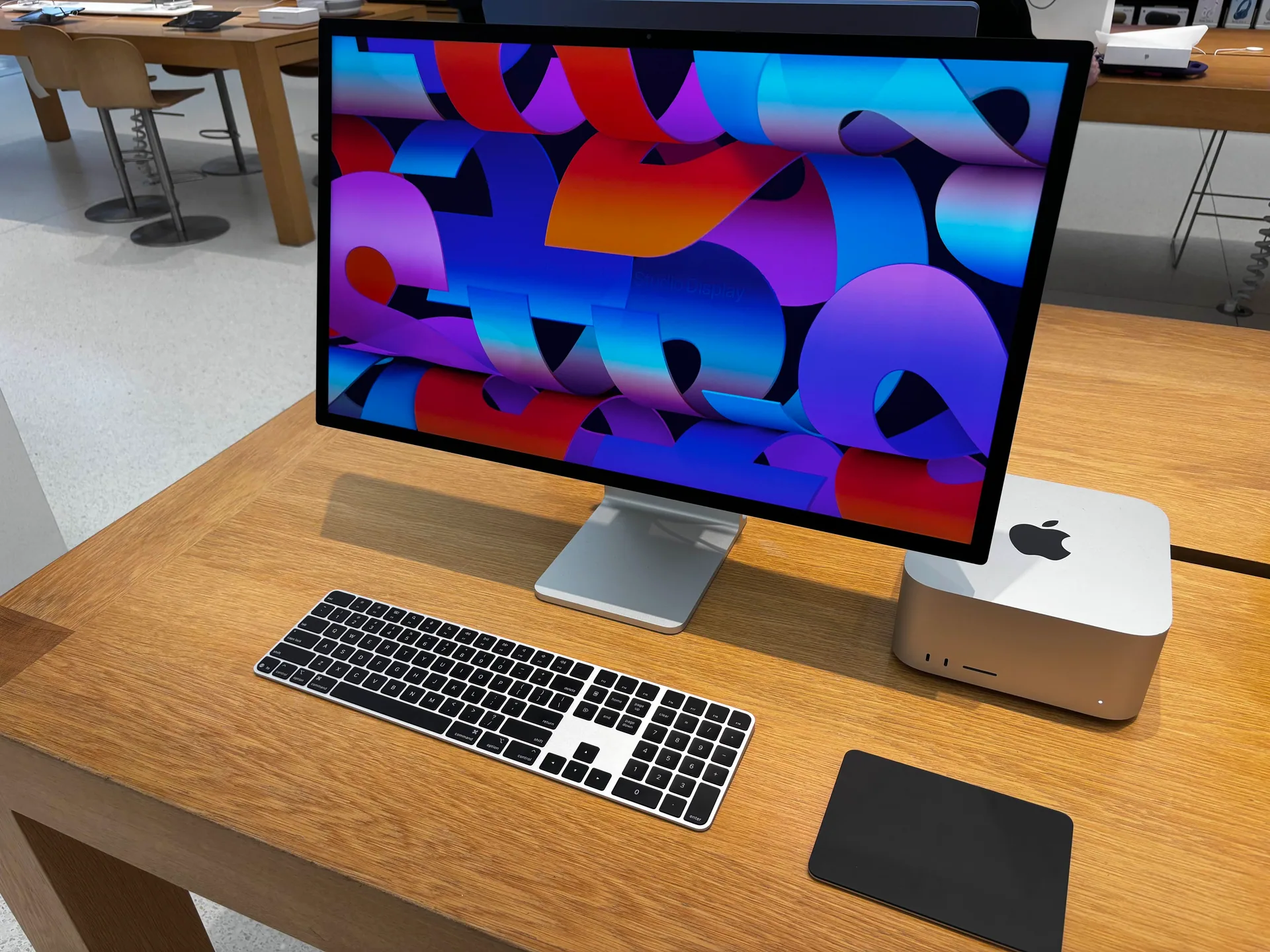
Mac Studio M4 Max 128GB / M3 Ultra 512GB
Pros
- M4 Max 128GB (~$3,950) runs 70B Q4 at 18–25 tokens/sec with no CPU offload.
- M3 Ultra 512GB (starts ~$10K) is currently the only sub-$20K consumer box that can hold DeepSeek R1 671B in memory (~17–18 tokens/sec).
Cons
- Long-context prompt processing has always been Apple Silicon’s weak point.
M5 Is Coming
M5, M5 Pro and M5 Max MacBook Pros shipped in March 2026. The interesting part for local AI: every GPU core now has a Neural Accelerator, delivering 3.3–4x faster prompt processing. That addresses Apple’s single biggest LLM weakness. M5 Mac Mini and Mac Studio M5 Max are expected at WWDC in June; M5 Ultra has slipped to Q4 2026.
If you can wait until summer, you probably should.
Unified-Memory Boxes — The Biggest Shift Since 2025
This entire category barely existed when I wrote the original post. It’s now the answer for “I want to run 70B+ at home without a multi-GPU rig.”
NVIDIA DGX Spark
- GB10 Grace-Blackwell superchip, 128GB LPDDR5X unified memory, 1 petaFLOP.
- Shipped late 2025, now sold at Micro Center, Newegg, Best Buy, and NVIDIA Marketplace.
- $3,999 at launch, bumped to $4,699 for the Founders Edition in February 2026 due to memory supply.
- ~35–40 tokens/sec on 120B models; prompt processing around 1,700 tokens/sec rivals a triple-3090 rig.
- The CES 2026 software update added TensorRT-LLM optimizations and speculative decoding for ~2.5x further gains.
If you want NVIDIA’s software stack with 128GB on your desk and you can stomach the price, this is the box.
Framework Desktop — AMD Ryzen AI Max+ 395 “Strix Halo”
- $1,999 for 128GB config (395+, 16C/32T Zen 5, Radeon 8060S RDNA 3.5 iGPU, 256-bit bus).
- Up to 96GB can be allocated as VRAM via AMD’s Variable Graphics Memory feature.
- Runs 70B models in LM Studio at usable speeds on a fraction of the power draw of a discrete GPU rig.
- First-class Linux support out of the box.
At $1,999 for 128GB of usable unified memory and a credible RDNA 3.5 iGPU, this is the killer value in this category. If I were building a dedicated home-lab AI box today, this is what I’d buy.
Other Strix Halo Mini PCs
- GMKtec EVO-X2 — $1,499–$2,228 depending on memory config. Ships faster than Framework in most cases.
- Minisforum MS-S1 Max — 128GB/256-bit bus in a compact mini PC form factor.
- Minisforum BD395i — Mini-ITX board for DIY builders who want Strix Halo in their own case.
- Corsair AI Workstation 300 — $3,399 in current configs (up from launch pricing due to the DRAM crunch).
Jetson in 2026 — Still a No for LLMs
Last year I pulled the Jetson Orin Nano Super out of this list after testing it. My opinion hasn’t changed. The Orin Nano Super at $249 is a neat robotics / edge-AI device that technically runs Llama 3.1 8B — but it’s not a serious local LLM platform.
The new Jetson AGX Thor (128GB unified, runs 100B+ models) is genuinely impressive — but it’s priced for industry, not for a home desk.
DIY Multi-GPU — Still a Thing
Dual RTX 3090 is still the enthusiast go-to for 48GB on a budget. Two used 3090s total $1,300–$1,600 — less than a single RTX 5090. You’ll need a 2x PCIe x16 motherboard, a 1000W+ PSU, and an NVLink bridge ($40–$80, 3090 only). Generation is 30–50% slower per token than a single 4090, but 48GB lets you run 70B at better quantization.
For the truly adventurous: 4x AMD MI50 32GB ($150–$200 each) gets you 128GB of VRAM for under $1,000, and people have genuinely run Qwen3 235B on these rigs. You will fight drivers. You will read forum posts from 2023. This is a labor-of-love build, not a weekend project.
My 2026 Recommendations by Budget
- Under $300 — “Just let me try Ollama”: Used RTX 3060 12GB (~$200–$250) or new if you can get one at MSRP.
- $400–$550 — New card, actual future-proofing: RTX 5060 Ti 16GB (not the 8GB variant).
- $700–$1,000 — The sweet spot: Used RTX 3090 24GB. Still the $/VRAM king. Or an RX 9070 XT 16GB if you specifically want AMD.
- $1,500–$2,000 — Capacity over speed: Framework Desktop 128GB ($1,999). This is the pick I’d make for a dedicated home AI box in 2026.
- $1,800–$2,400 — Speed with some capacity: Used RTX 4090 24GB.
- $3,000–$4,700 — NVIDIA’s software stack with real capacity: DGX Spark 128GB.
- $3,950+ — Silent, polished, unified: Mac Studio M4 Max 128GB. Or wait for the M5 Studio at WWDC.
- $10K+ / “I want to run DeepSeek R1 at home”: Mac Studio M3 Ultra 512GB.
- DIY tinkerer: Dual used RTX 3090 (48GB total, $1,300–$1,600).
Final Thoughts
If you had asked me a year ago what a $2,000 local-AI budget should buy, I would have said “a decent PC with an RTX 3060 or 3090 in it.” In April 2026, I’d point you straight at a Framework Desktop instead. That’s a big shift.
The other big shift is that 8GB is officially done for LLMs, and 12GB is the new entry point rather than the recommendation. If you’re buying new, budget for 16GB minimum. If you’re buying used, buy a 3090 and don’t look back.
And one last piece of advice that wasn’t true a year ago: seriously consider waiting if you don’t need the hardware today. The DRAM shortage is expected to last into 2027, Apple’s M5 Mac Studio is a couple of months out, and NVIDIA’s “Super” refresh is still notionally on the schedule for later this year. Every number in this post is higher than it was three months ago. Prices might come down. They might not. But if you’re patient, you have options.