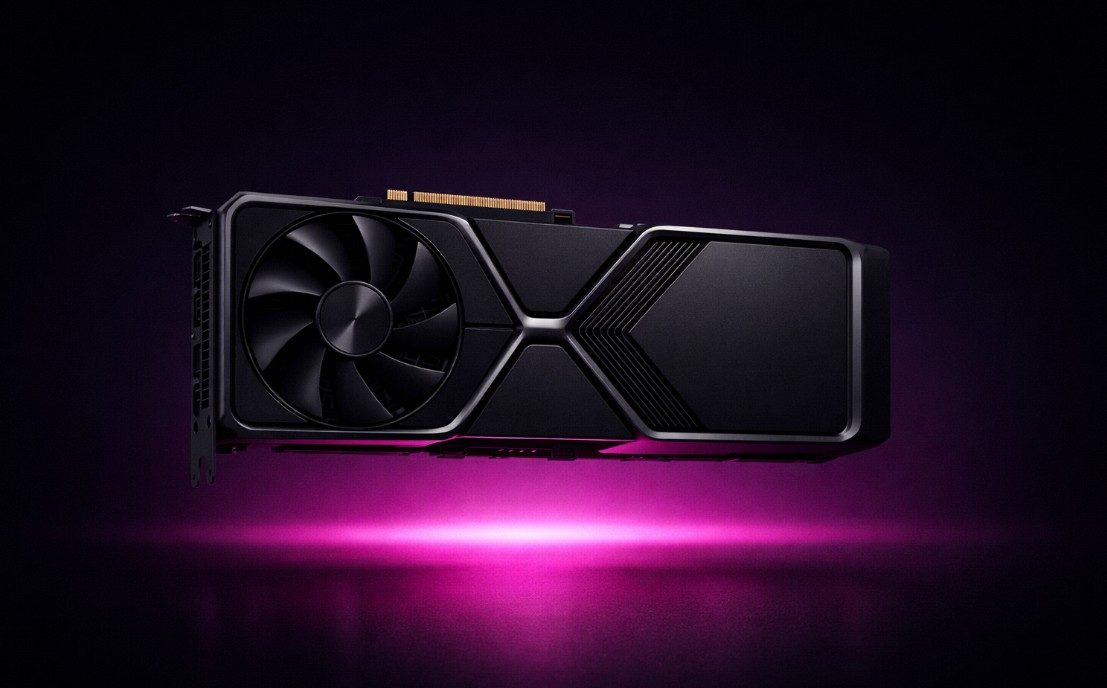
Ollama AI Local AI Hardware for Ollama: 2026 Edition A 2026 guide to budget local AI hardware for Ollama: NVIDIA, AMD, Apple, and unified-memory picks, from a used RTX 3090 to a Framework Desktop and DGX Spark.
DeepSeek How to Run the DeepSeek-R1 AI Model on a Mac Locally Learn how to run DeepSeek-R1 on a Mac Mini M4 using Ollama for efficient AI model performance. Step-by-step guide for installation, setup, and interaction.
Ollama AI Budget-Friendly Local AI Hardware for Running Ollama Want to run Ollama on a budget? Here are the most cost-effective hardware setups for local LLMs in 2025, from GPUs to mini PCs and dedicated AI boxes.
DeepSeek Run DeepSeek-R1 on a Windows PC Locally Run DeepSeek-R1 locally on Windows with Ollama and Open WebUI. A step-by-step guide to a private offline AI assistant, no cloud or API keys needed at all.
Raspberry Pi Run DeepSeek-R1 on a Raspberry Pi Locally Run DeepSeek-R1 locally on a Raspberry Pi 4 with Ollama over SSH. A step-by-step guide to a tiny private AI assistant, plus faster low-cost hardware picks.