

Contents
Couchside is a media server for the movies, shows and live TV you already own. Point it at a folder and it finds every film and episode, matches them on TMDB, fetches posters, backdrops and cast, and plays them in a browser, on a phone or on the TV. It is one small Go binary with its database built in, so it runs happily on a NAS, a Raspberry Pi, a Windows PC or a k3s cluster.
It is free and open source, and it never phones home: no account, no cloud service, no telemetry, no ads.
- Website: couchside.app
- GitHub: github.com/timothydodd/couchside
- Download: latest release (Docker image, zips for Linux, macOS and Windows, a Windows installer and a Helm chart)
- License: MIT
Features
- Fast and light. A single binary with SQLite built in. No database server, no runtime, no JVM. It starts in a moment and idles at next to nothing.
- Local only. No cloud account, no telemetry. Artwork and metadata are fetched once and cached on your server; nothing about what you watch leaves the house.
- Your library, with its artwork. TMDB matching with posters, backdrops, cast and plots. Browse by genre, year, rating or what is unwatched. Fix a wrong match or edit the details yourself.
- Plays what you have. Direct play when the browser can, converted when it must, with GPU transcoding (Intel and AMD VAAPI in the container, NVIDIA NVENC and Intel Quick Sync with the Windows installer) and HDR tone mapping. Subtitles, audio tracks and quality presets in a player that gets out of the way.
- Live TV and DVR. An HDHomeRun guide with series recordings and commercial skipping (Comskip). Recordings land in your library like anything else.
- Channels of your own. Build linear channels from your library: a movie night, a show on repeat, a kids’ channel, so there is always something on.
- Phones, browsers and TVs. A web app that fits a phone, a full-screen player for the desk, and TV apps for Roku and LG webOS that are on their way to the stores.
- The whole household. Profiles with their own progress, My List and rating limits, so the kids see what is theirs and nobody loses their place.
Screenshots
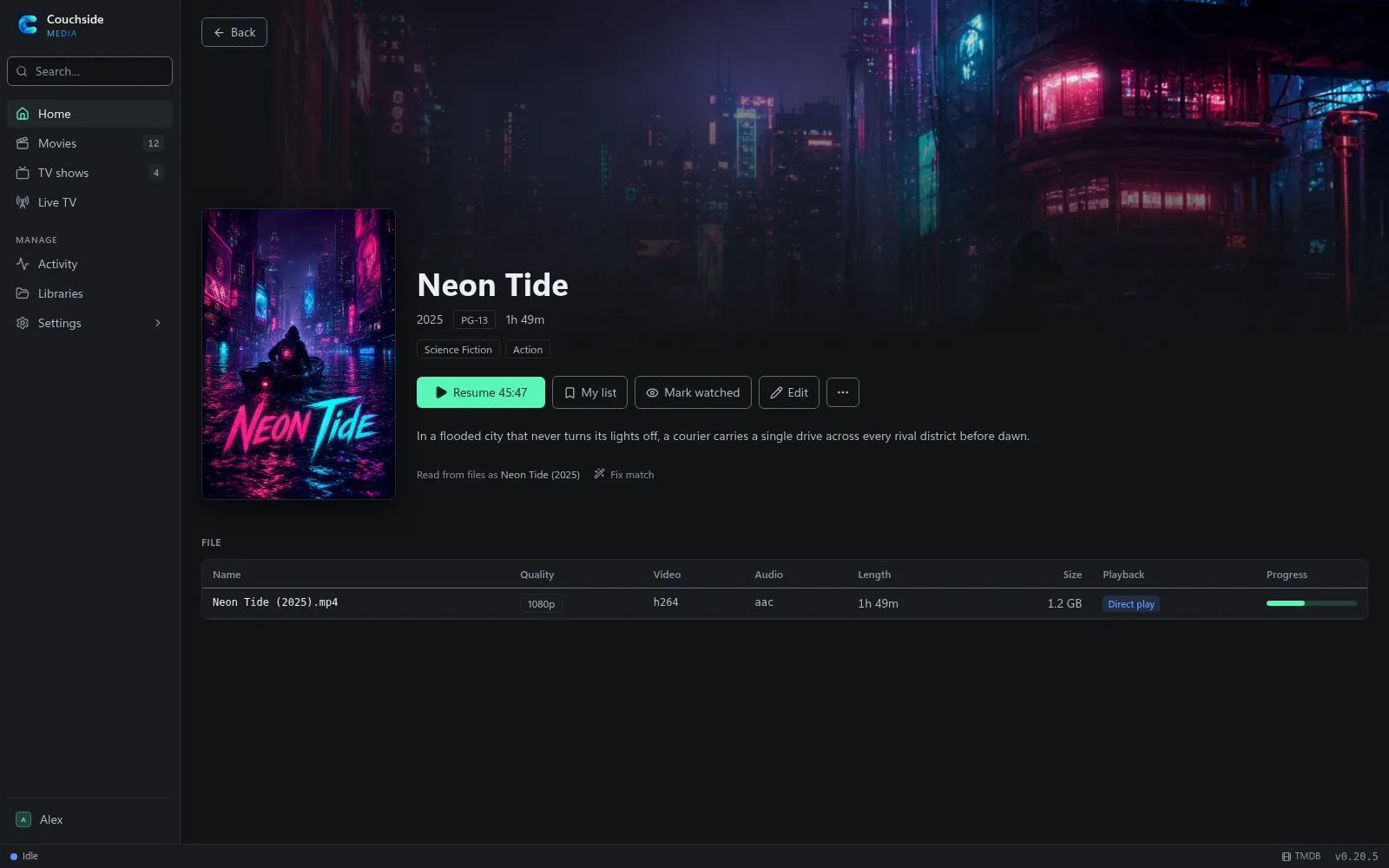
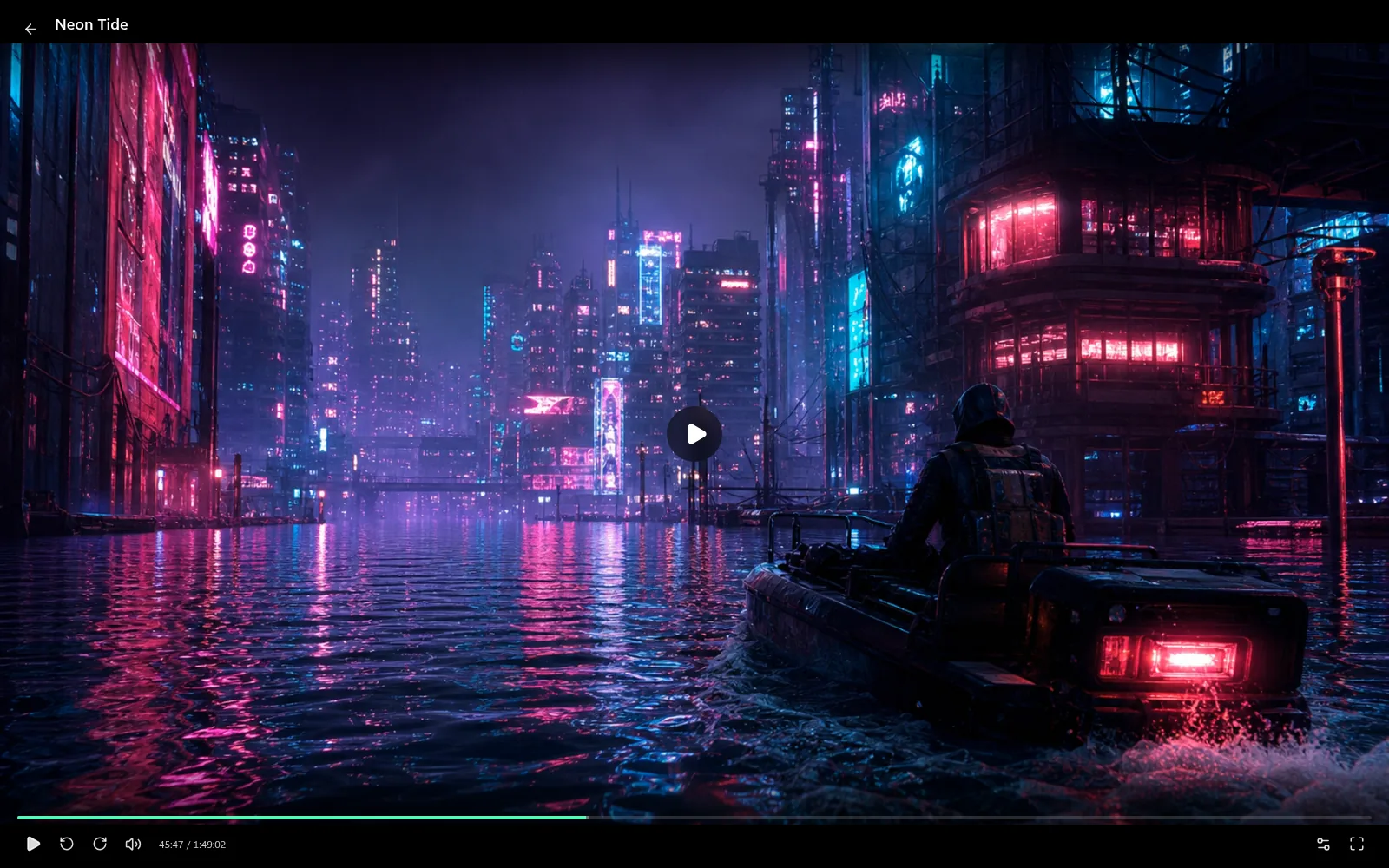
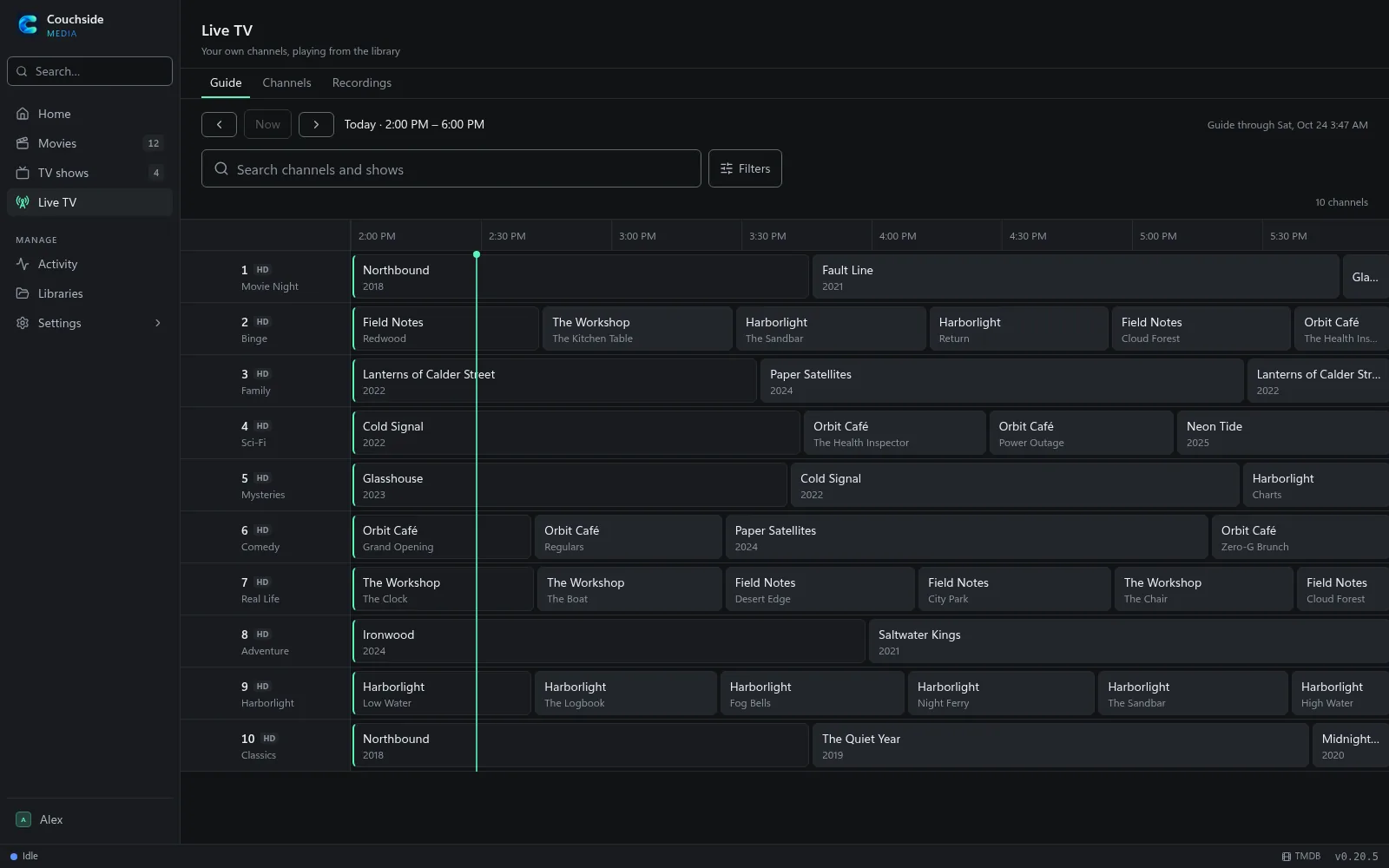
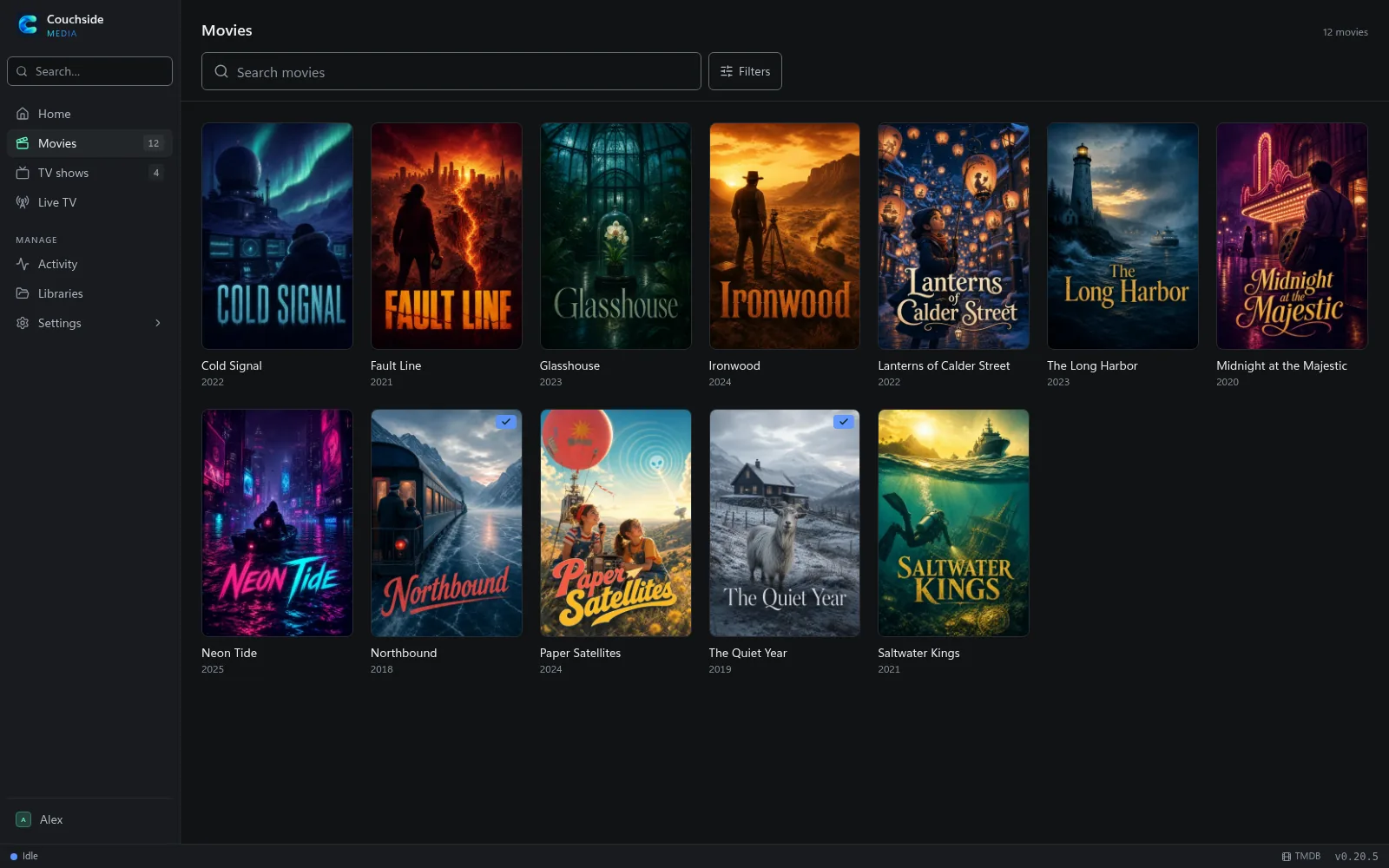
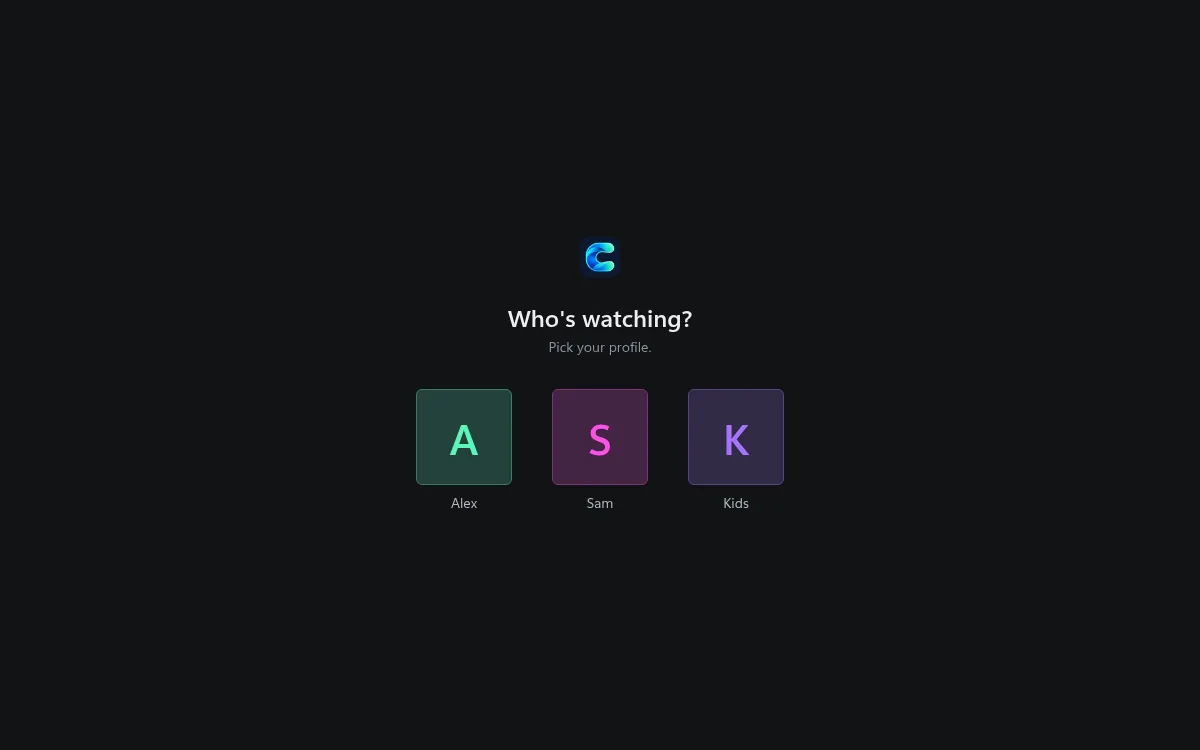
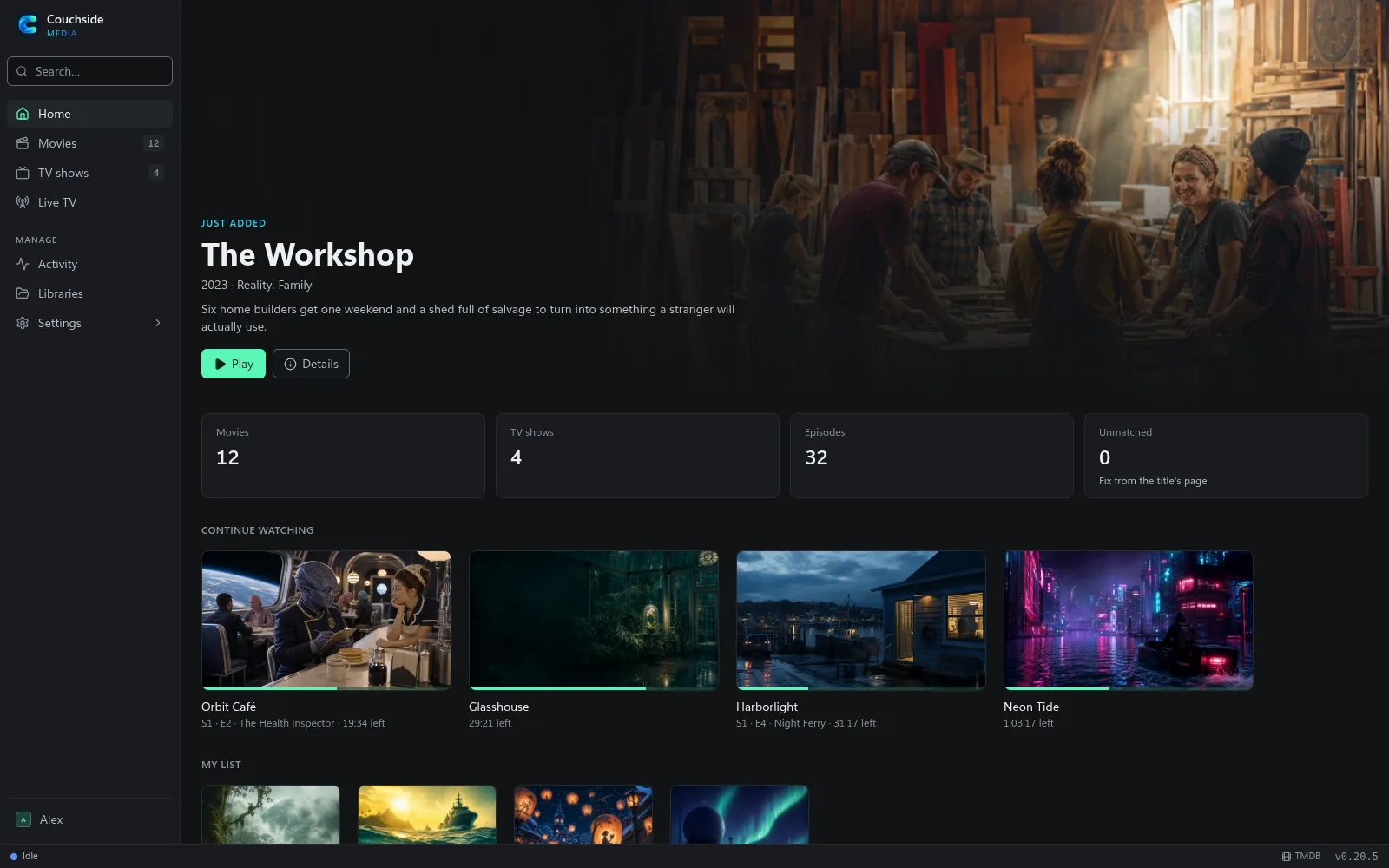
The library in these screenshots is invented, with generated artwork. They are made by a script that runs a real Couchside server on sample media.
Run it
The quickest way is Docker:
docker run -d --name couchside -p 8080:8080 \
  -v couchside-data:/data -v couchside-cache:/cache \
  -v /path/to/media:/media \
  ghcr.io/timothydodd/couchside:latest
Open http://localhost:8080 and add a library. For live TV, add -e COUCHSIDE_HDHOMERUN=<tuner IP> and -v couchside-recordings:/recordings.
Docker Compose, the Helm chart for k3s and Kubernetes, the Windows installer and plain zips are all covered in the install guide. The rest of the docs: configuration, libraries, playback, live TV and DVR and accounts.
TV apps
A Roku channel and an LG webOS app are built and being readied for the Roku Channel Store and the LG Content Store. Both talk to the same server API as the web app, so there is nothing to change on the server once they land. Watch the GitHub releases or this page for the store links.
Help wanted
Couchside is looked after by one person in spare time, and help is welcome:
- Try it and report what breaks. Especially on hardware I don’t have: different GPUs, NAS boxes, ARM machines, odd media files. Open an issue with the bug form and attach the diagnostics zip (Settings > System > Advanced > Diagnostics).
- Ideas. Open an issue first to talk it through. Couchside stays a self-hosted media server with no telemetry and no cloud service of its own.
- Code. Go in
server/, React and TypeScript inweb/, the Helm chart indeploy/. Small, focused pull requests get in fastest; see CONTRIBUTING.md. - TV testing. If you have a Roku or an LG TV and want to try the apps before they reach the stores, say so on the issues page.
Privacy
Couchside runs on your own hardware and talks to nothing you didn’t configure. Metadata and artwork come from TMDB (and optionally OMDb) and are cached on your server. There are no accounts with the developer, no analytics and no telemetry. The full privacy notes are on the website.
Couchside doesn’t provide or find any content. Use it only with media you have the right to play, and share it only with people that right covers. It comes with no warranty. This product uses the TMDB API but is not endorsed or certified by TMDB. Roku, LG, webOS, HDHomeRun, Plex and other product names are trademarks of their owners; Couchside isn’t affiliated with or endorsed by any of them.