
Contents
Nearby Chests is a small client-side Valheim mod. Craft, build and fuel stations from the chests around you, and put everything away with one button. Free, open source, and only you need it installed.
- Download: Thunderstore or GitHub releases
- Source and issues: github.com/timothydodd/valheim-nearby-chests
- Changelog: CHANGELOG.md
- Walkthrough: Nearby Chests: Crafting and Storage QoL for Valheim 1.0
Features
- Craft and build from your chests. Recipes, upgrades and hammer builds count materials in chests within 30 m. The menus show what you have next to what’s needed (
312/5). - Feed stations from your chests. Coal and ore into smelters and kilns, wood into fires, fuel into cooking stations. One press, one item, same as vanilla. Food and mead stay manual.
- Stack puts everything away. Press Stack on any chest, or hold E on one, and each item goes to every chest within 15 m that already holds it. New items join similar things (metals with metals, same biome together), or take an empty chest. Chests that received items get merged and sorted.
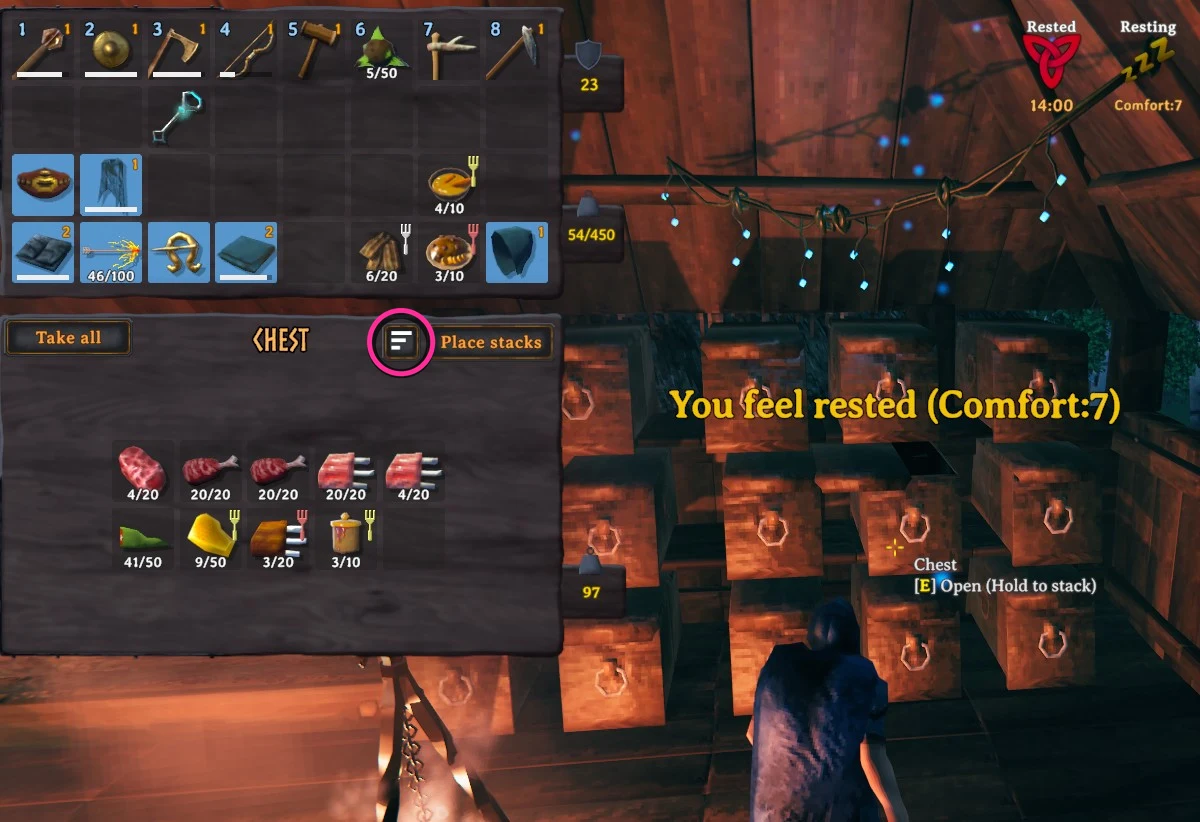
- Tidy a messy chest. The three-bar icon next to Place stacks sends what doesn’t belong in the open chest to the right one, and pulls in strays that do belong.
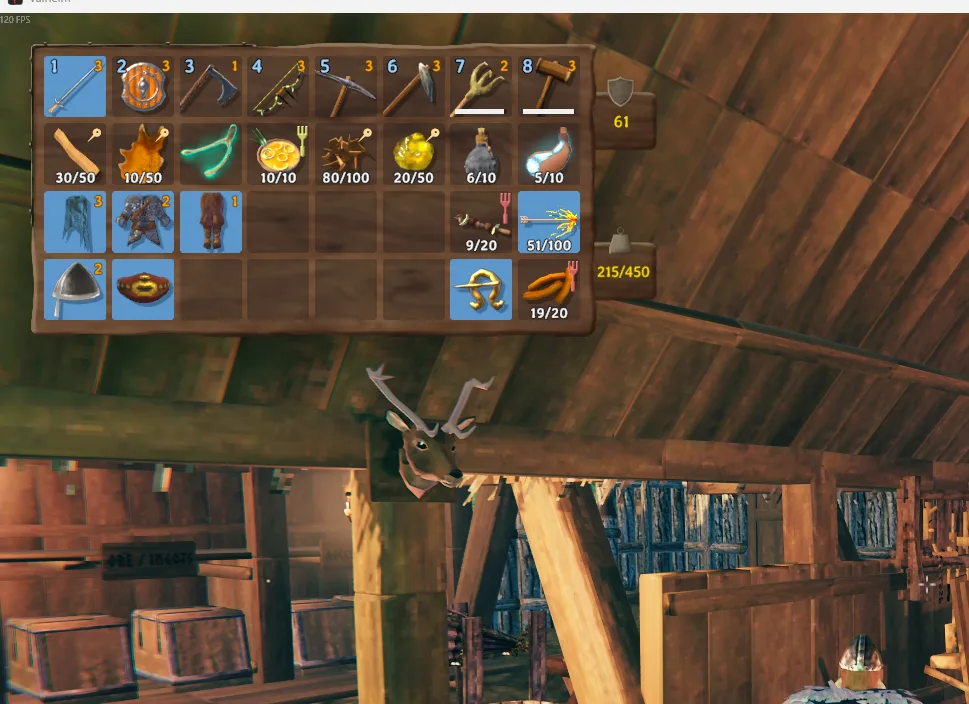
- Ignore a slot. Middle-click a slot in your inventory and Stack leaves it alone. A pin marks it. Saved with your character.
- Pull build materials. Ctrl + left click with a piece selected on your hammer grabs its materials from nearby chests, one piece’s worth per press.
- One key to stack and tidy. Bind
StackAndTidyKeyand a press stacks your inventory and tidies every chest in range, no chest open needed. - Pick which chests it uses. Turn on
OnlyUseMarkedChestsand each chest window gets an Include in NearbyChests checkbox. Only ticked chests count. - Keep empty chests empty. Turn on
DontFillEmptyChestsand Stack never starts a new chest on its own.
Stays with you: food, meads and potions (raw ingredients still get put away), ammo, equipment, your hotbar and anything equipped.
Never touched: the Obliterator, gravestones, dungeon loot chests, chests another player has open, chests you can’t open yourself, and unticked chests when OnlyUseMarkedChests is on.
Install
Mod manager: install Nearby Chests from Thunderstore with r2modman or Thunderstore Mod Manager. BepInEx comes with it.
By hand: download a zip from GitHub releases. Take the -with-BepInEx zip if you’ve never modded Valheim. Extract it straight into your Valheim folder (Steam: right-click Valheim, Manage, Browse local files) so that winhttp.dll and the BepInEx folder sit right next to valheim.exe. One folder too deep and nothing loads. To check, look for Nearby Chests x.y.z loaded in BepInEx\LogOutput.log.
To uninstall, delete BepInEx\plugins\NearbyChests.
Settings
After the first launch, settings are in BepInEx\config\NearbyChests.cfg.
| Setting | Default | What it does |
|---|---|---|
CraftingRange |
30 | How far a chest can be for crafting, upgrading and building (3 to 60 m). |
StackingRange |
15 | How far a chest can be for Stack and Tidy (3 to 60 m). |
IncludeCartsAndShips |
false | Also use cart and ship storage. |
OnlyUseMarkedChests |
false | Only use chests you’ve ticked in their window. |
CraftFromChests, BuildFromChests, StationsFromChests |
true | Turn each chest-material feature on or off. |
ShowAvailableCounts |
true | Show materials as have/needed in the crafting panel and build menu. |
StackToNearby |
true | Turn off to get the vanilla Stack button back. |
StackAndTidyKey |
None | Key that stacks your inventory and tidies every chest in range. |
KeepHotbar |
true | Never stack items from the top row. |
ExcludeFood, ExcludeAmmo, ExcludeEquipment |
true | Keep food, ammo and gear in your inventory when stacking. |
DontFillEmptyChests |
false | Never start a new chest automatically. |
PlaceUnassignedItems |
true | Items with no home go to a chest of similar items, or an empty chest. |
FallbackToOpenChest |
false | With no similar or empty chest, use the open chest instead of leaving items with you. |
FallbackToAnyChest |
false | If an item still has nowhere to go, put it in any nearby chest with room. |
SortAfterStack |
true | Sort and merge chests that received items. |
ShareChests |
true | Let a one-group chest take a second, related group when there’s no empty chest. |
TidyButton |
true | Show the Tidy button (restart to apply). |
TidyGathers |
true | Tidy also pulls strays of the open chest’s category in from other chests. |
IgnoreSlots |
true | Middle-click a slot to mark it ignored. |
PullBuildMaterialsKey |
Ctrl + left click | The key that pulls build materials. |
PullBuildSets |
1 | How many pieces’ worth of materials each press pulls. |
Item groups
What counts as “similar” lives in BepInEx\config\NearbyChests.groups.txt, one line per group:
Metals = CopperOre, Copper, CopperScrap, TinOre, Tin, Bronze, ...
Cooked = Cooked*, BakedPoteitr, BoarJerky, Bread, ...
Trophies = Trophy*
Names are item prefab names and aren’t case sensitive. A trailing * matches anything starting with that text. Edits apply the next time you stack. Delete the file to get the defaults back.
Multiplayer
Only you need the mod. It works on any server. Before changing a chest it takes ownership the same way the game’s Take All does, and skips chests another player has open. If you and a friend use the same chest in the same split second, one change can be lost.
Troubleshooting
- Nothing happens in game. Check
BepInEx\LogOutput.logforNearby Chests x.y.z loaded. No log file at all means BepInEx isn’t loading, almost always because the files are one folder too deep. - A chest isn’t counted. It’s out of range, another player has it open, you can’t open it yourself, or it isn’t ticked while
OnlyUseMarkedChestsis on. - An item stays in my inventory when I stack. It’s food, ammo, gear, on your hotbar, or there was no chest holding it, no similar chest and no empty chest. The on-screen message says how many were left.
FallbackToAnyChestputs those anywhere with room. - It broke after a Valheim update. Check releases for a new version, or open an issue.
Bugs and requests go on GitHub issues.