

When you use the standard SQL Server Docker image, you’ll quickly find that Full-Text Search (FTS) isn’t available out of the box. That can be a problem if you’re working on content-heavy apps where advanced text indexing and search are essential. This guide will walk you through building a custom SQL Server 2022 image with FTS enabled—or, if you prefer, you can skip the setup and use the ready-made container I’ve published to Docker Hub.
Building Our Custom Dockerfile
We’ll extend the official SQL Server 2022 image and add the Full-Text Search component.
Step-by-Step Plan
- Switch to root (needed for package installs).
- Add dependencies.
- Configure Microsoft’s repository.
- Install Full-Text Search.
- Clean up to keep the image slim.
The Complete Dockerfile
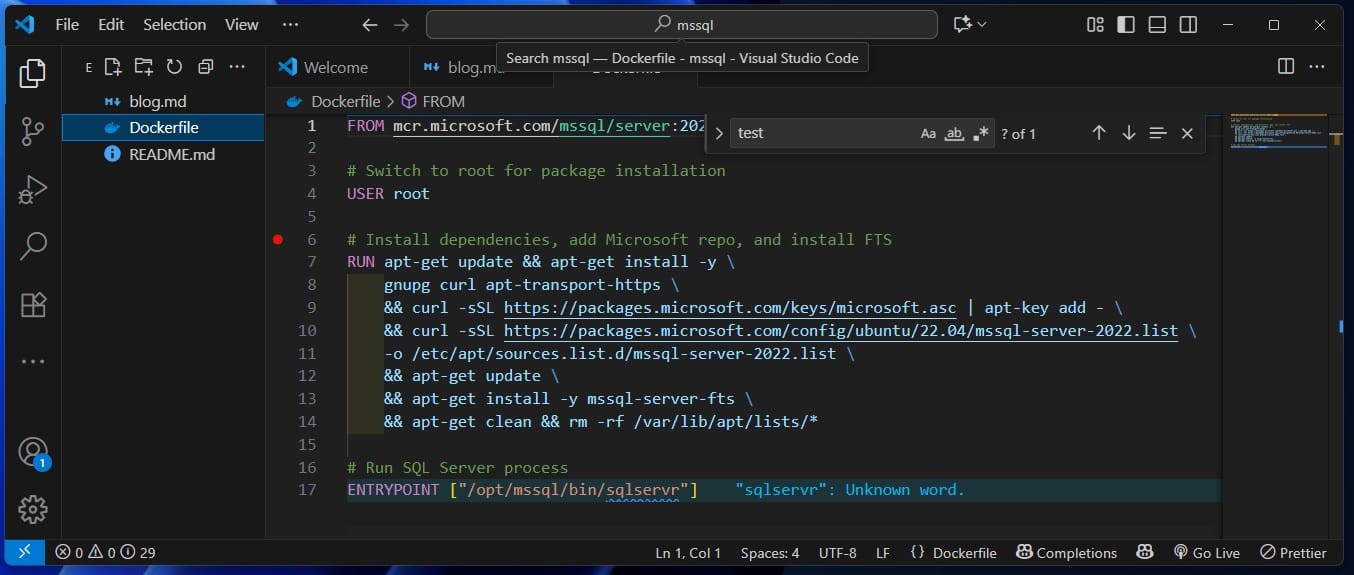
Here’s a production-style Dockerfile with optimized layers:
FROM mcr.microsoft.com/mssql/server:2022-latest

# Switch to root for package installation
USER root

# Install dependencies, add Microsoft repo, and install FTS
RUN apt-get update && apt-get install -y \
    gnupg curl apt-transport-https \
 && curl -sSL https://packages.microsoft.com/keys/microsoft.asc | apt-key add - \
 && curl -sSL https://packages.microsoft.com/config/ubuntu/22.04/mssql-server-2022.list \
    -o /etc/apt/sources.list.d/mssql-server-2022.list \
 && apt-get update \
 && apt-get install -y mssql-server-fts \
 && apt-get clean && rm -rf /var/lib/apt/lists/*

# Run SQL Server process
ENTRYPOINT ["/opt/mssql/bin/sqlservr"]
Build and Verify the Image
Build Locally
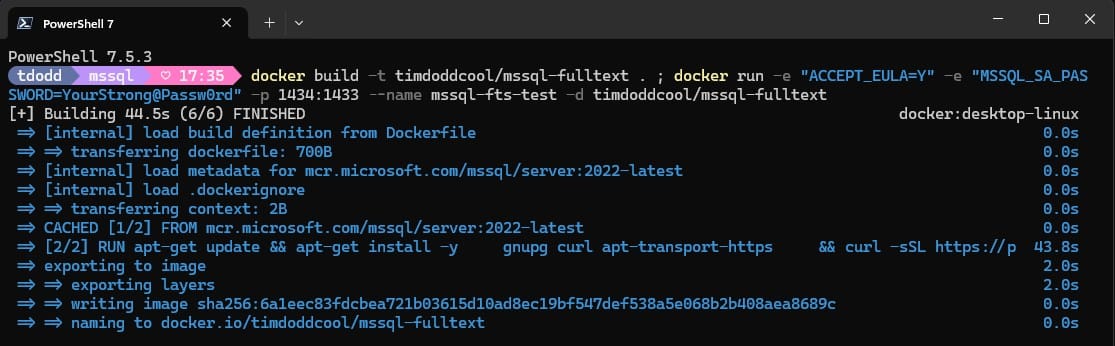
docker build -t your-dockerhub-username/mssql-fulltext .
Run and Connect
docker run -e "ACCEPT_EULA=Y" -e "MSSQL_SA_PASSWORD=YourStrong@Passw0rd" \
  -p 1434:1433 --name mssql-fts-test -d your-dockerhub-username/mssql-fulltext
Verify FTS Installation
SELECT SERVERPROPERTY('IsFullTextInstalled');
A result of 1 confirms success.
Testing Full-Text Search
CREATE DATABASE TestFTS;
GO

USE TestFTS;
GO

CREATE TABLE Documents (
    ID int IDENTITY(1,1) PRIMARY KEY,
    Title nvarchar(255),
    Content nvarchar(max)
);
GO

CREATE FULLTEXT CATALOG TestCatalog;
GO

CREATE FULLTEXT INDEX ON Documents(Title, Content)
KEY INDEX PK__Documents__3214EC27__123456789
ON TestCatalog;
GO

INSERT INTO Documents (Title, Content) VALUES
('Introduction to Docker', 'Docker is a containerization platform...'),
('SQL Server Performance', 'Optimizing SQL Server requires...'),
('Full-Text Search Guide', 'Full-text search enables powerful text searching...');
GO

SELECT * FROM Documents
WHERE CONTAINS(Content, 'containerization');
GO
Publishing to Docker Hub
docker login
docker push your-dockerhub-username/mssql-fulltext
Docker Compose Example
version: '3.8'
services:
  mssql:
    image: your-dockerhub-username/mssql-fulltext
    container_name: mssql-fts
    environment:
      - ACCEPT_EULA=Y
      - MSSQL_SA_PASSWORD=YourStrong@Passw0rd
      - MSSQL_PID=Developer
    ports:
      - "1433:1433"
    volumes:
      - mssql_data:/var/opt/mssql
    restart: unless-stopped

volumes:
  mssql_data:
Conclusion
Customizing SQL Server Docker images with Full-Text Search saves time, simplifies automation, and ensures consistency across environments. Publishing your image to Docker Hub means anyone on your team (or in the community) can spin up an FTS-enabled instance instantly.