
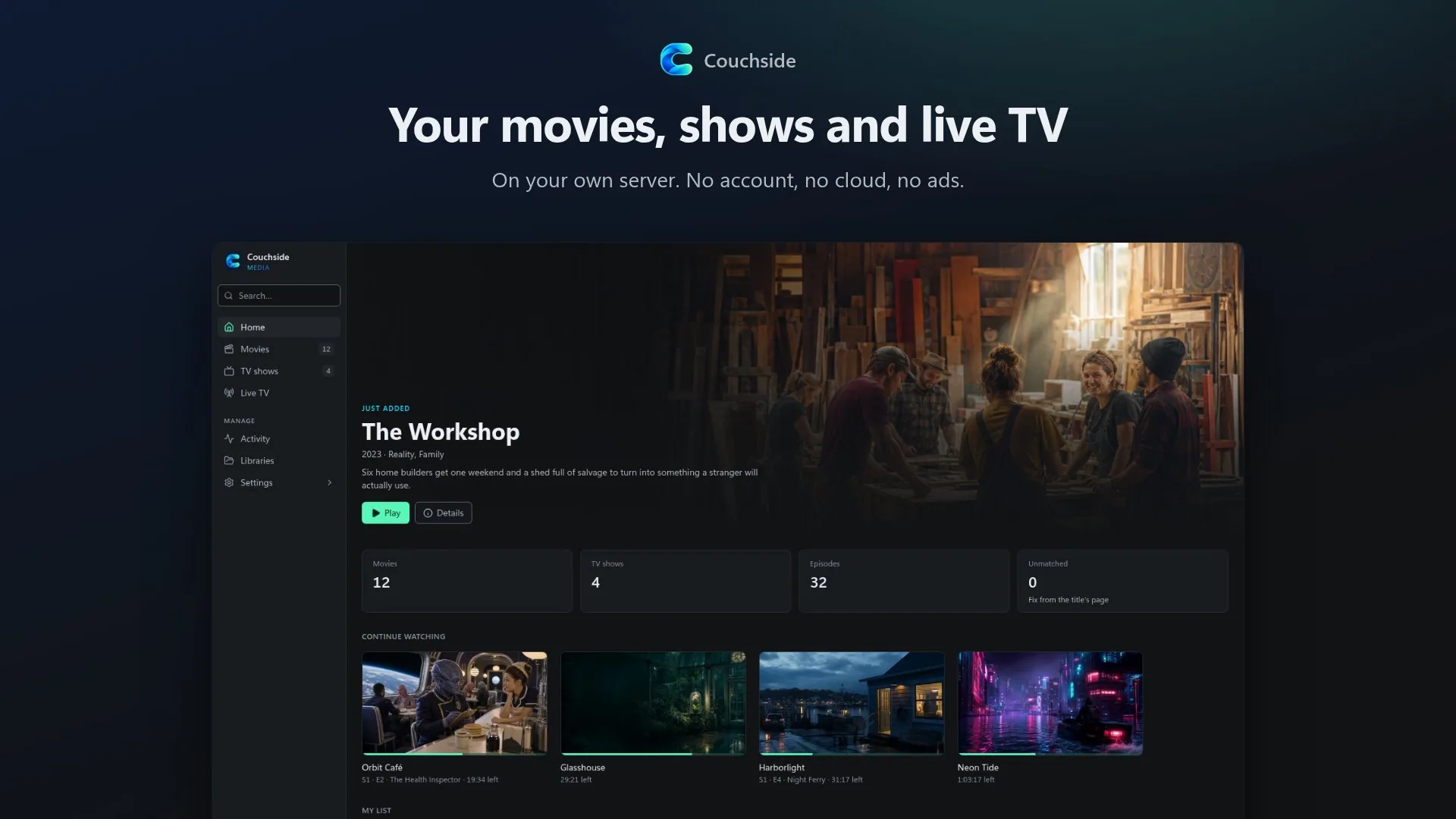

I’ve used Plex for years. It has always been my go-to for movies, shows and the HDHomeRun tuner in the closet, and there is a lot about it I still like. But it isn’t local only anymore, and its focus has drifted toward things that have nothing to do with the media on my own drives. Jellyfin is a great project and I’d recommend it to anyone, but there were things about Plex I missed when I tried it.
What I actually wanted was short list:
- Something lightweight and fast that would run on my little k3s cluster without eating a node.
- Live TV and recording out of the box, not as an add-on.
- Fake channels made from my own library, so there is always something on.
- Local only. No account, no cloud, no ads.
So I rolled my own. It’s called Couchside, it’s free and open source, and it lives at couchside.app.
What it does
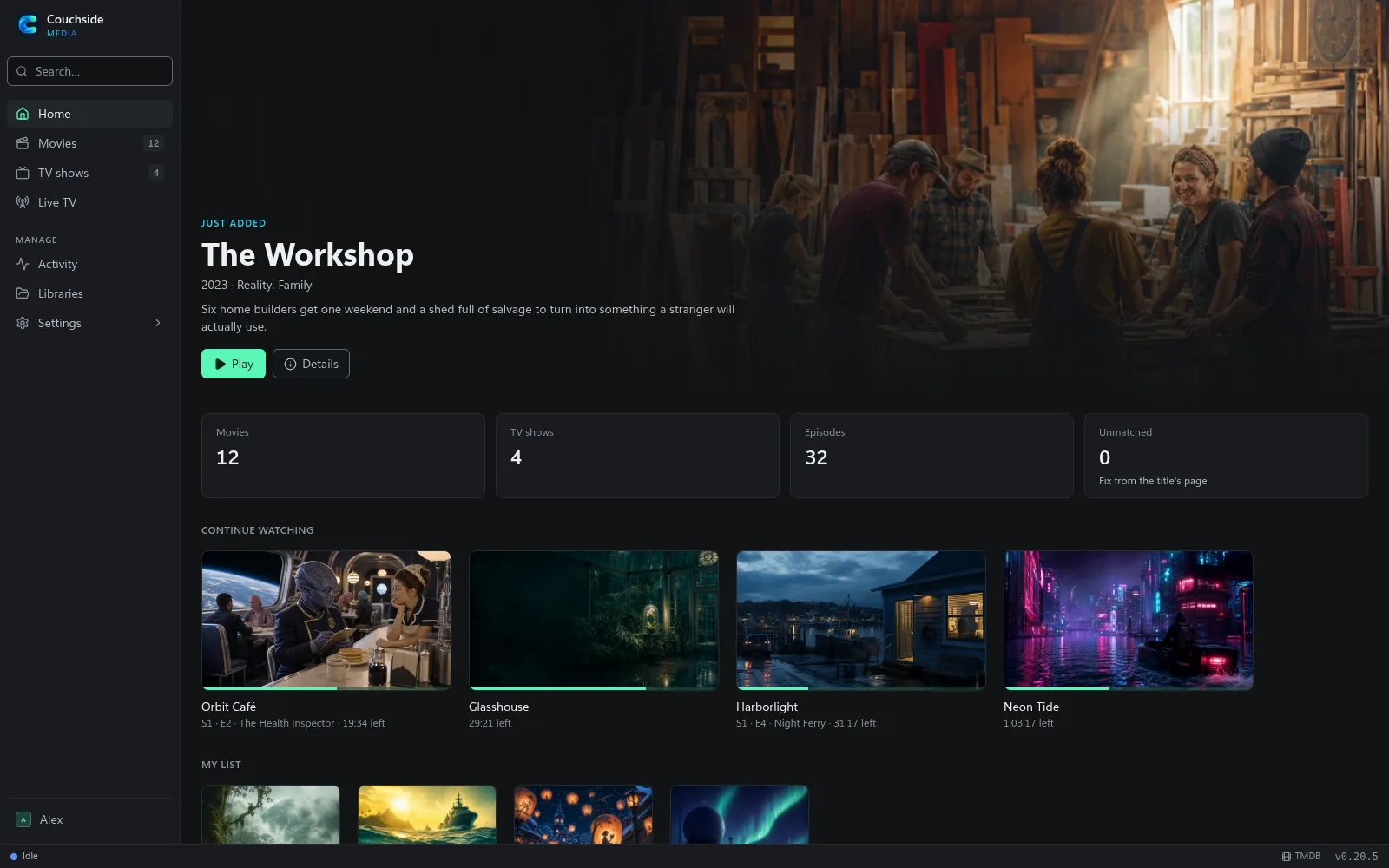
Couchside is a single small program with its database built in. Install it, point it at the folder with your movies and shows, and it finds every title, looks it up on TMDB and fetches the posters, backdrops, cast and plots. Then you watch in a browser, on your phone, or on the TV.
It runs on a NAS, a Raspberry Pi, a Windows PC or a Kubernetes cluster, and it idles at next to nothing.
A look around
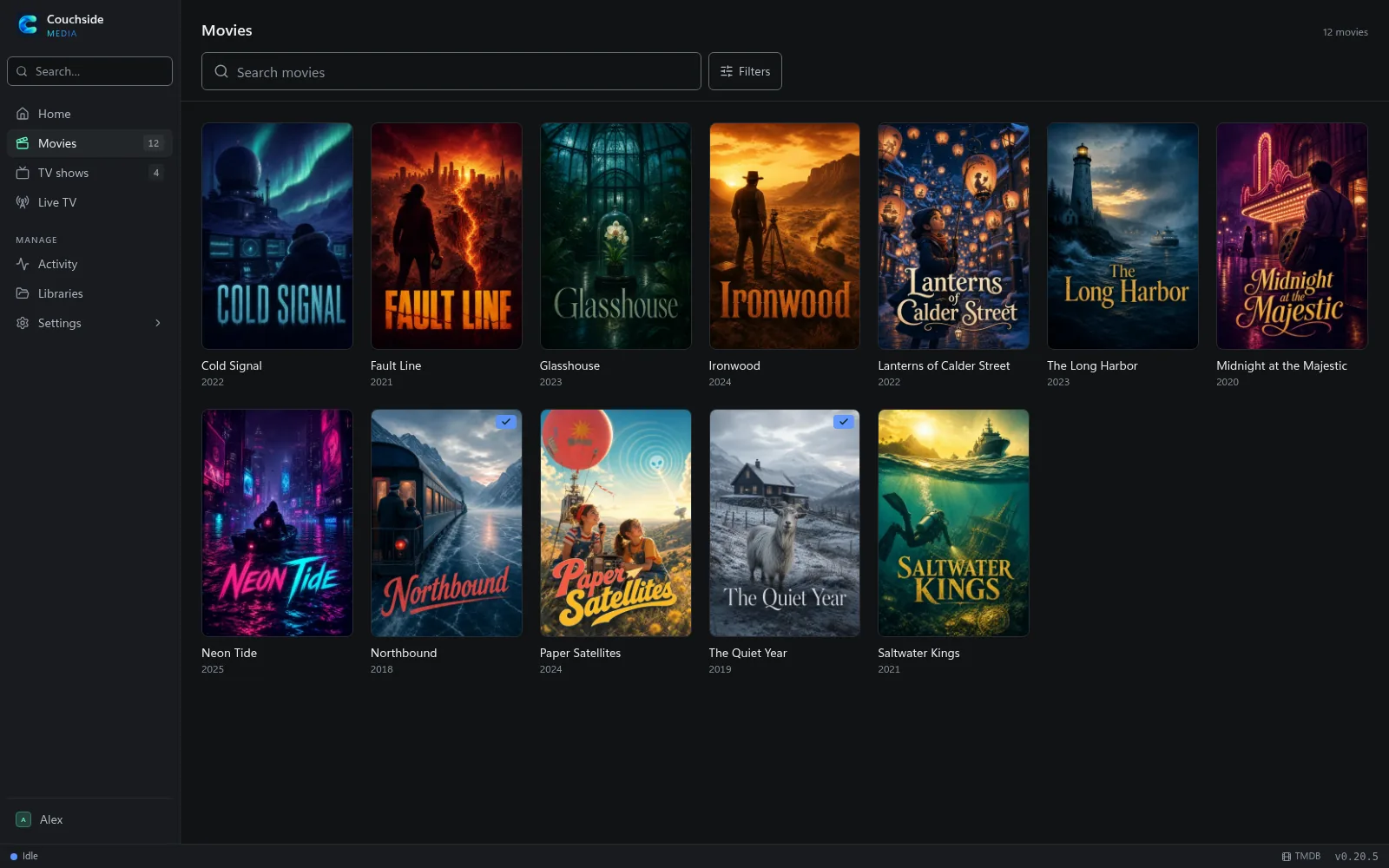
Your library, with its artwork
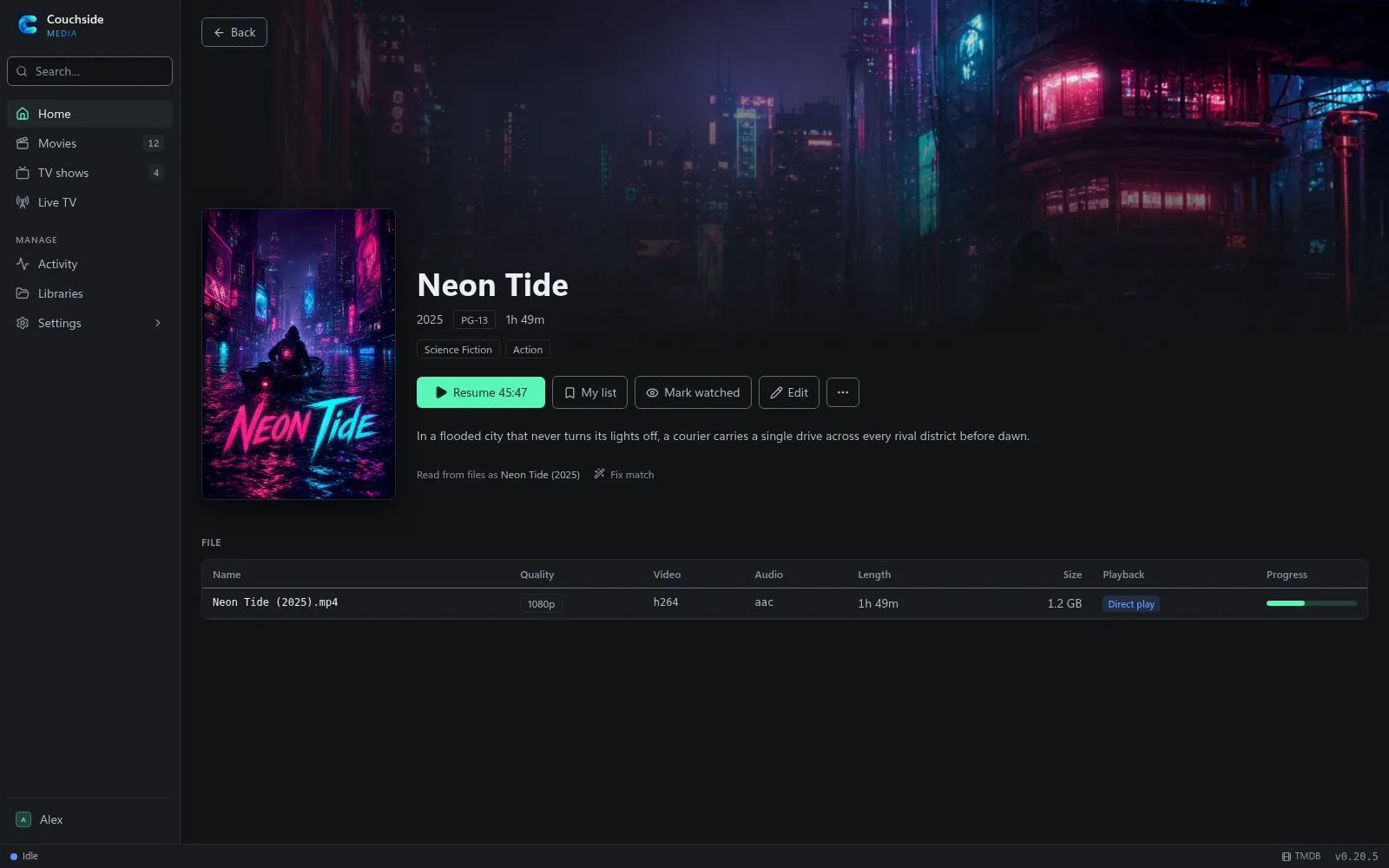
Browse movies and shows as poster grids, filter by genre, year or rating, or just look at what you haven’t watched yet. If a title is matched wrong, fix it from its page.
It plays what you have
If your browser or TV can play the file as it is, Couchside sends it straight through. If not, it converts it on the fly, using the graphics card when there is one, and tone maps HDR for screens that can’t show it. Subtitles, audio tracks and quality settings are a click away.

Live TV, recording, and channels of your own
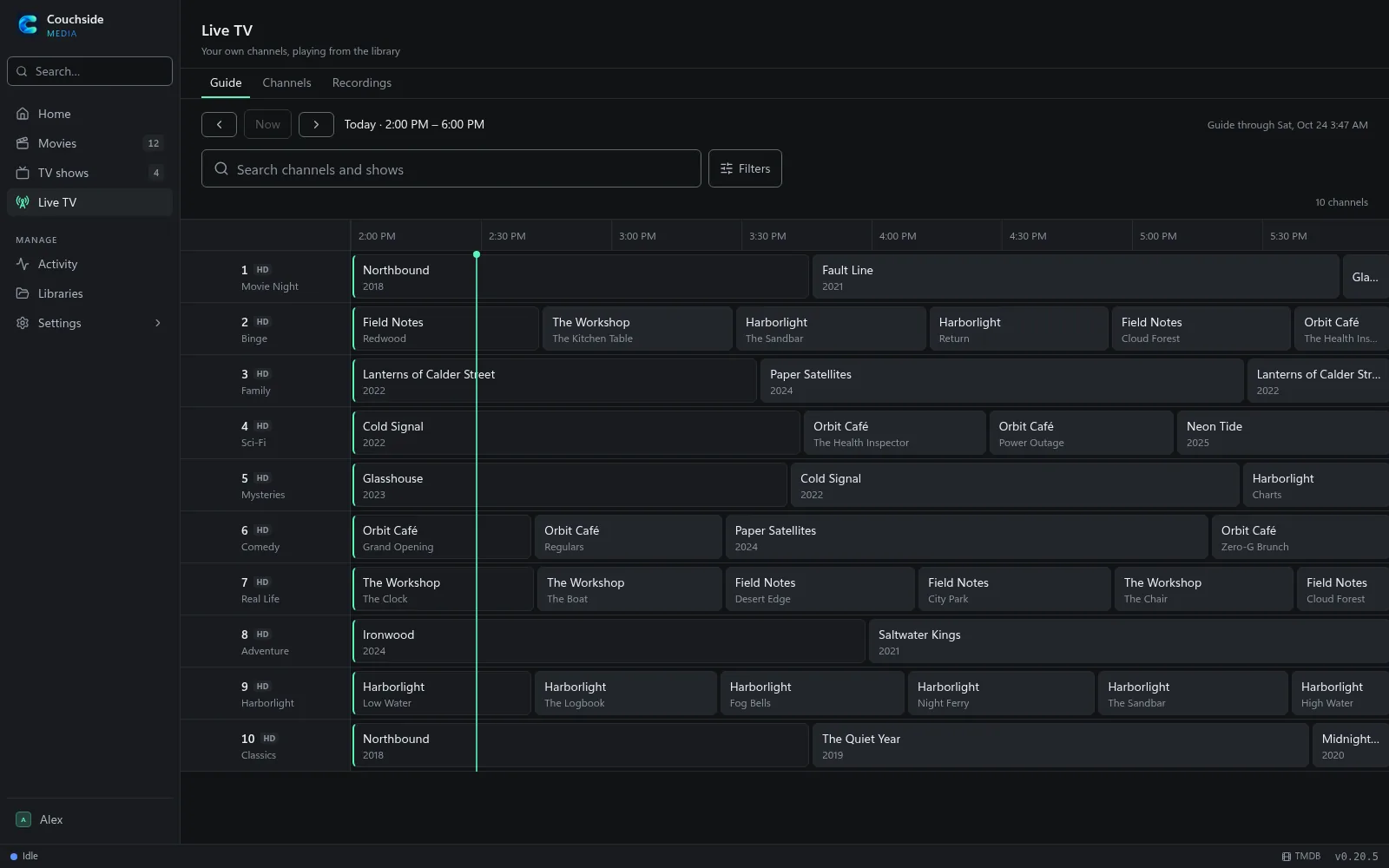
With an HDHomeRun on the network you get a guide, series recordings and commercial skipping, and recordings land in your library like anything else. If you are starting from scratch, my attic antenna and HDHomeRun guide covers the hardware side; only the server at the end changes.
The part I’m most pleased with is the fake channels. Pick some of your own movies or shows and Couchside turns them into a channel that is always playing: a movie night channel, a show on repeat, a kids’ channel. Flip through the guide and something is on, with no ads, from files you already have.
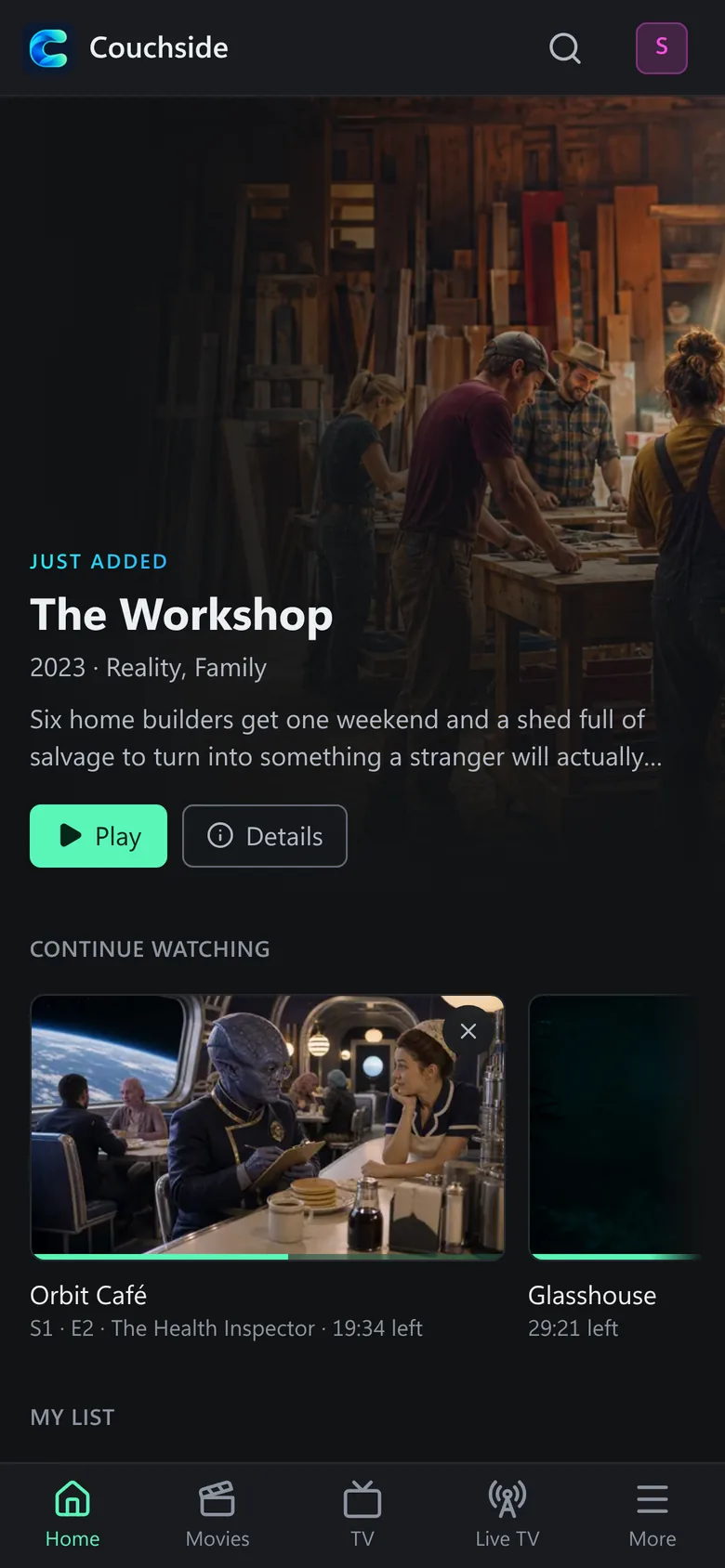
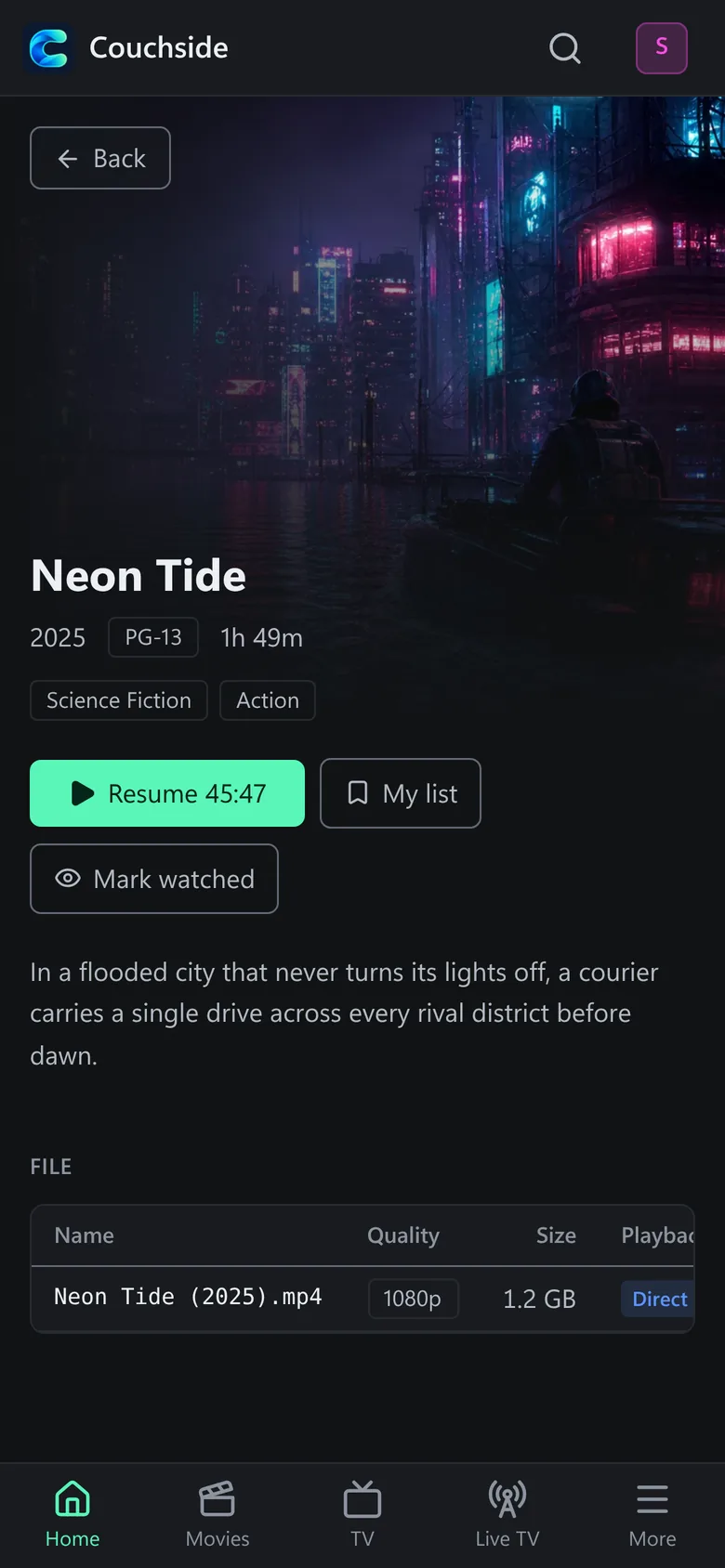
On your phone
The web app fits a phone, with the same library, Continue Watching and My List.
The whole household
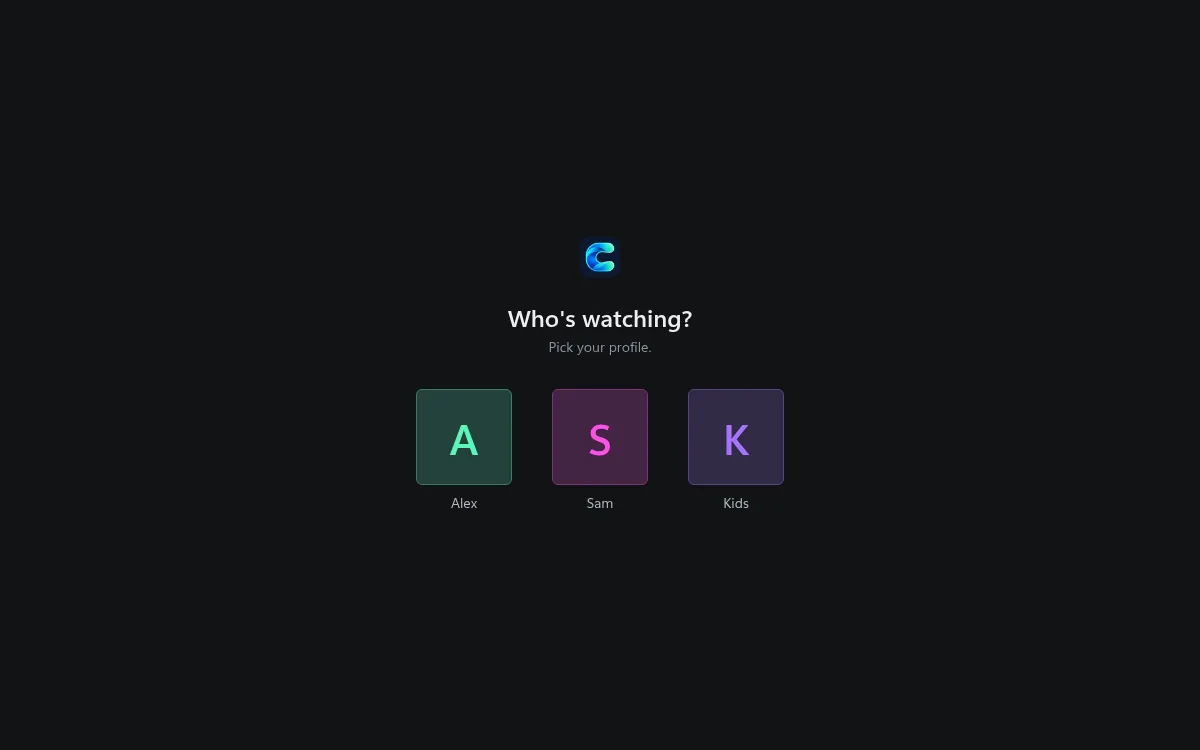
Everyone gets a profile with their own progress, lists and rating limits, so the kids see what’s theirs and nobody loses their place in a show.
Running it
If you use Docker, this is all it takes:
docker run -d --name couchside -p 8080:8080 \
  -v couchside-data:/data -v couchside-cache:/cache \
  -v /path/to/media:/media \
  ghcr.io/timothydodd/couchside:latest
Open http://localhost:8080 and add a library. There is also a Windows installer, plain downloads for Linux and macOS, and a Helm chart for Kubernetes (it took over from the Plex on k3s setup I wrote about a while back). The install guide walks through each one, including live TV setup.
Roku and LG apps are on the way
A media server really gets used from the couch, so there are two TV apps in the works:
- A Roku channel, going through Roku’s review for the Channel Store.
- An LG webOS app for 2020 and newer LG TVs, being submitted to the LG Content Store.
They are for watching: pick a profile, browse, resume, play. Managing the server stays in the web app. I’ll put the store links on the Couchside project page as soon as they are live.
Open for community help
Couchside is one person’s spare-time project, and this is the point where more eyes would help most:
- Try it and tell me what breaks, especially on hardware I don’t have: different graphics cards, NAS boxes, Raspberry Pis, unusual video files. The bug form on GitHub asks for a diagnostics zip (Settings > System > Advanced > Diagnostics), which makes most problems quick to track down.
- Ideas. Open an issue and we can talk it through. The one rule is that Couchside stays local: no telemetry and no cloud service of its own.
- Code. The server is Go and the web app is React. Small, focused pull requests get in fastest; CONTRIBUTING.md has the details.
- TV testers. If you have a Roku or an LG TV and want to try the apps before they reach the stores, say so on the issues page.
Everything is MIT licensed at github.com/timothydodd/couchside, downloads are on the releases page, and the website is couchside.app.
Couchside doesn’t provide or find any content; use it only with media you have the right to play. This product uses the TMDB API but is not endorsed or certified by TMDB. Roku, LG, webOS, HDHomeRun, Plex, Jellyfin and other product names are trademarks of their owners; Couchside isn’t affiliated with any of them.